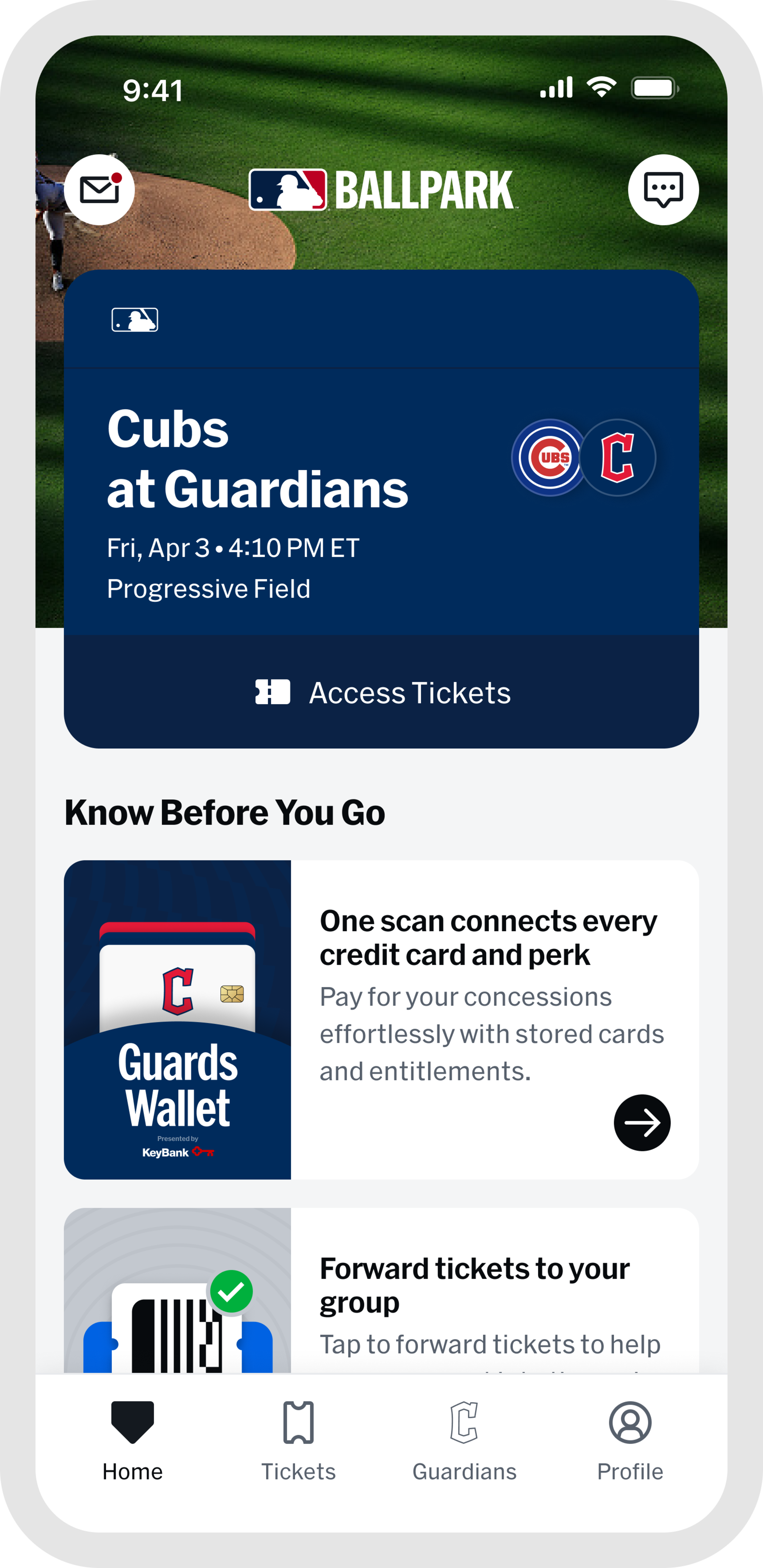




Your Gameday Experience Starts Here
Download the MLB Ballpark App
The MLB Ballpark app is your all-in-one gameday companion, built to keep you informed, prepared, and connected throughout the entire ballpark experience.
Your digital tickets are stored securely on your device and easy to manage, share, or transfer to friends and family before you even get to the gate. Browse the full season schedule to plan around special promotions and themed events, and use detailed ballpark maps to find your seats, locate food options, and explore everything the venue has to offer.
Enable push notifications to get real-time updates on gate openings, weather alerts, concession deals, and other time-sensitive information throughout the day. Whether you are a first-time attendee or a season ticket holder, the MLB Ballpark app puts everything you need in one place.


Key Features
- Secure Digital Tickets: Keep your tickets safe with fraud-resistant rotating barcodes stored directly on your device for fast, secure entry at the gate.
- Multi-Team Ticket Management: Manage tickets across all your MLB teams in one place, no app switching required.
- Easy Ticket Sharing: Send tickets to friends or family via text, email, or shareable link. Instant transfer confirmations give everyone peace of mind before they arrive.
- Season Schedule Planning: Browse team schedules and plan around the games that matter most, whether that is a theme night, a giveaway, or an exclusive fan discount.
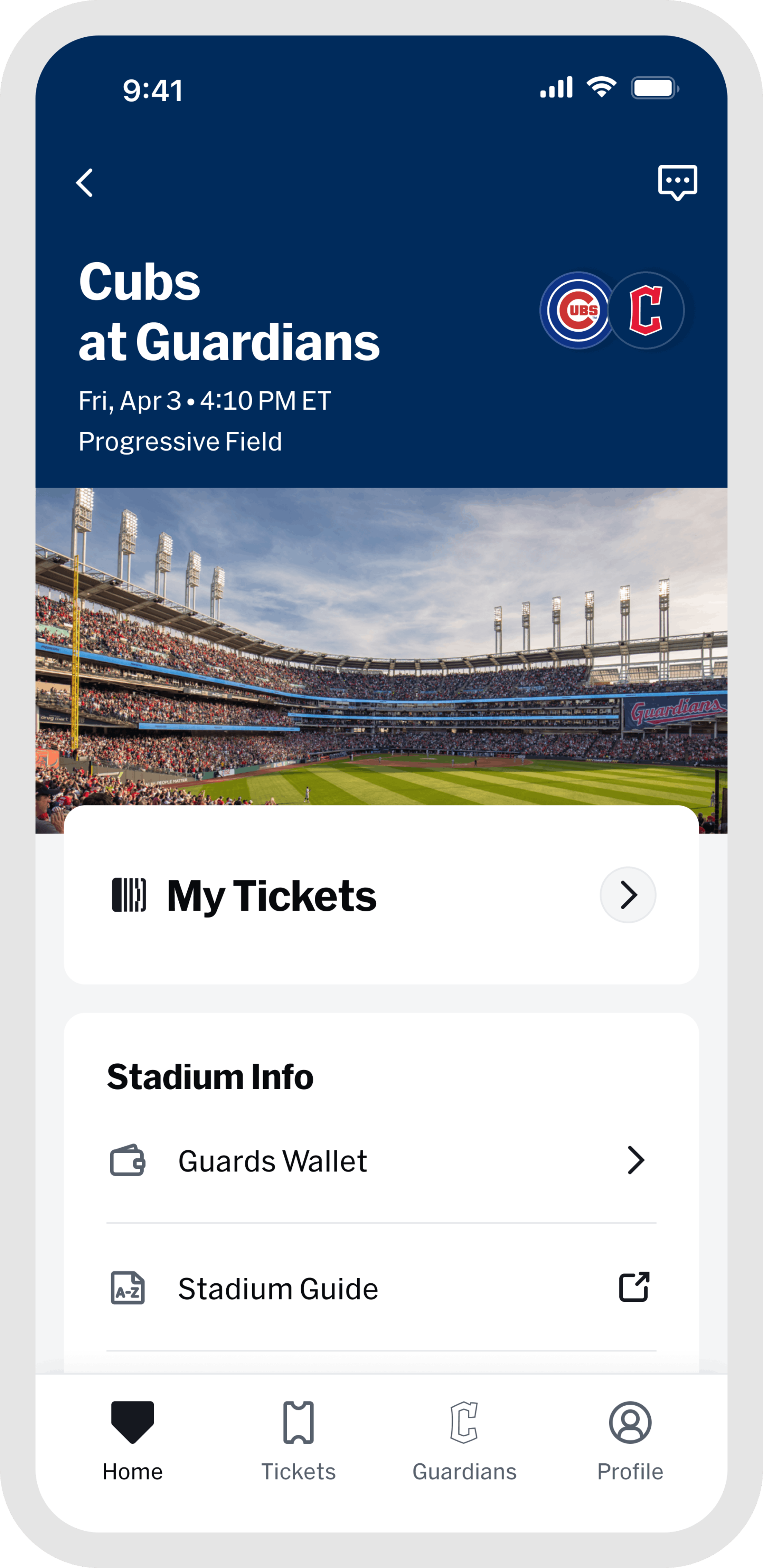
- Ballpark Info at a Glance: Know before you go. Access bag policies, gate opening times, parking details, and more so your arrival to the ballpark is smooth.
- Your Fan History: Look back on every game you have attended with a personal feed of your ballpark visits, complete with dates, final scores, and highlights from each trip.
App Highlights
Purchasing Tickets
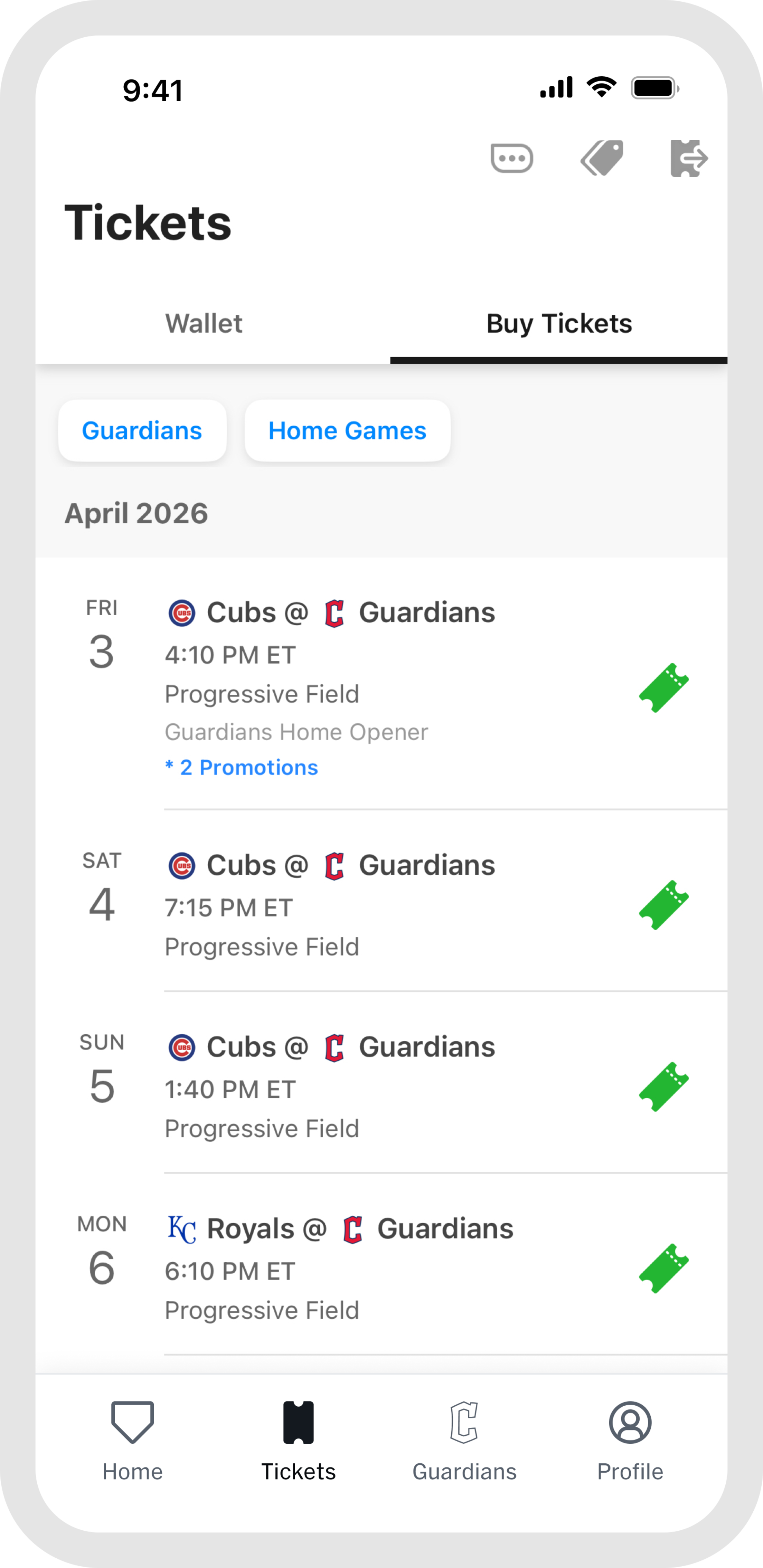
Open the app, tap "Tickets," pick your game, and you're done. Every ticket is 100% authentic and secured the moment you purchase. Use the interactive seating map to find the right spot, then check out in seconds with Apple Pay, Google Pay, or saved card details. Your tickets appear in the app instantly and can be added to your Apple Wallet for offline access and quick entry at the gate. Need help? Our support team is always available.
Ticket Access
If you purchased tickets using the same email address linked to your MLB Ballpark app account, your tickets will automatically appear in the app; however, you may need to verify your email address to access and manage them.
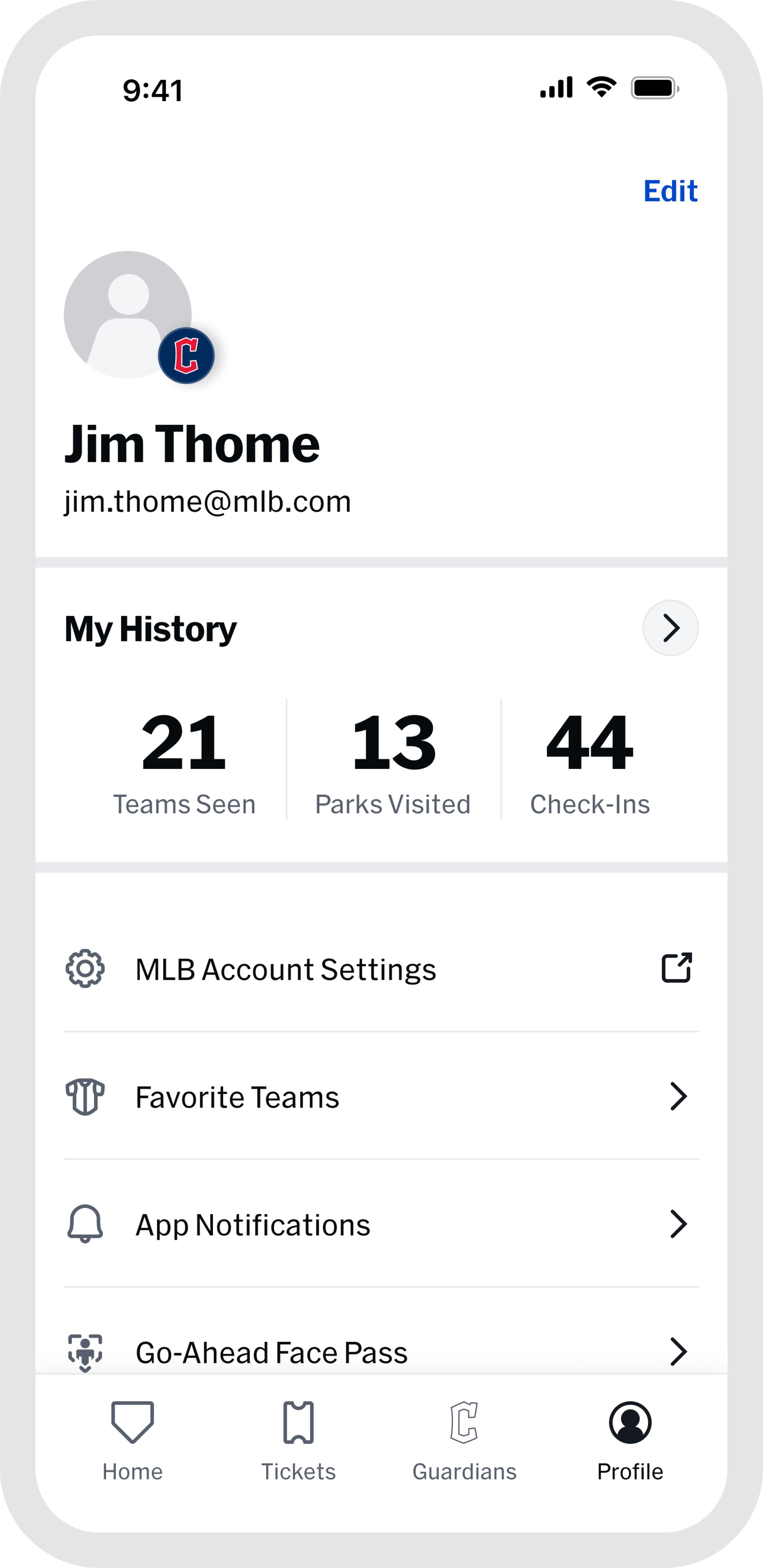
To verify your email account, tap the "Profile" icon in the bottom bar, and select "MLB Account Emails." From there, you can request a verification email to be sent to the address used for your ticket purchase.
Simply click the "VERIFY EMAIL" link in the email you receive and your tickets will be accessible in both the "Tickets" tab and "Home" tab.
Forwarding Tickets
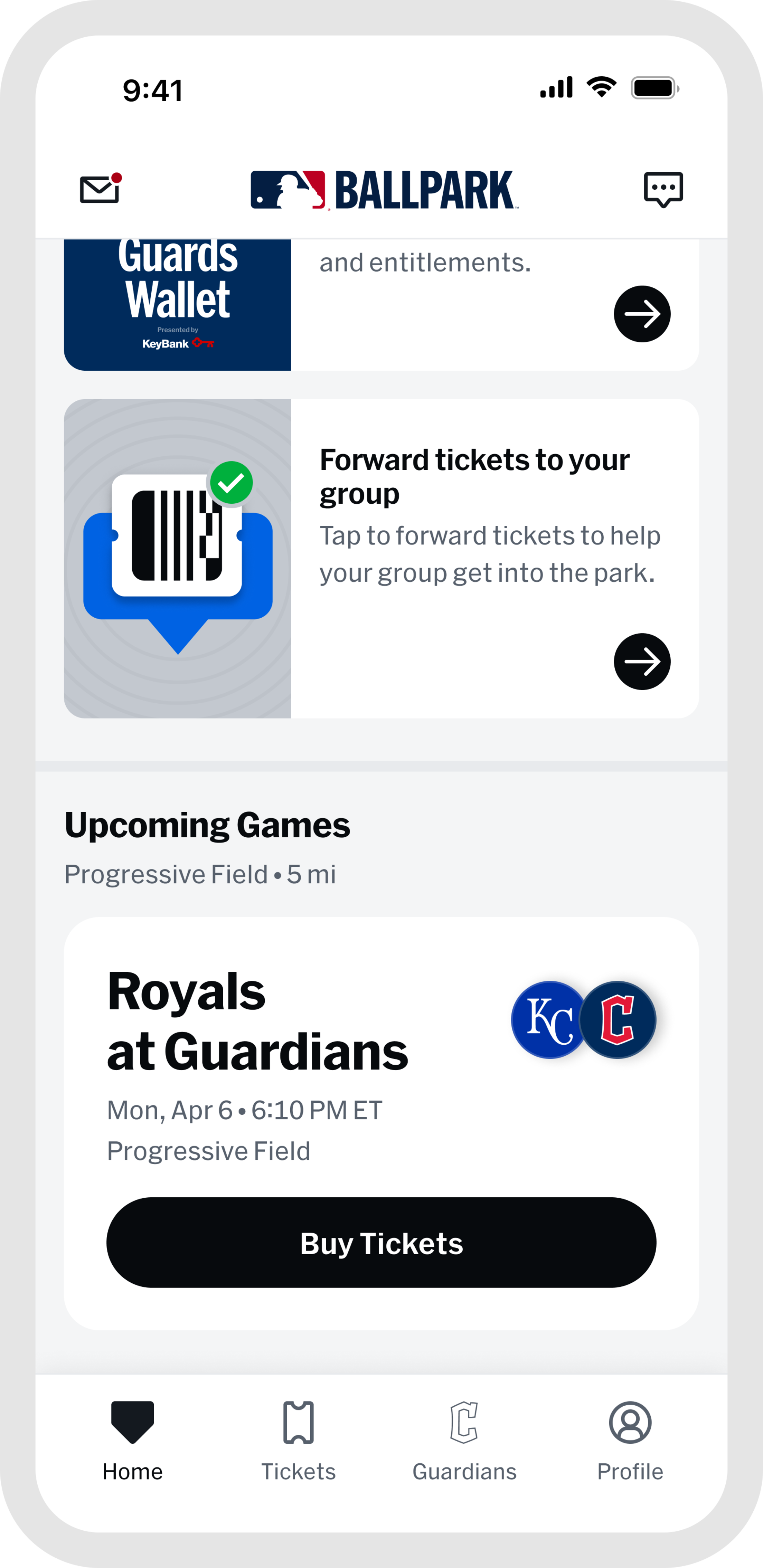
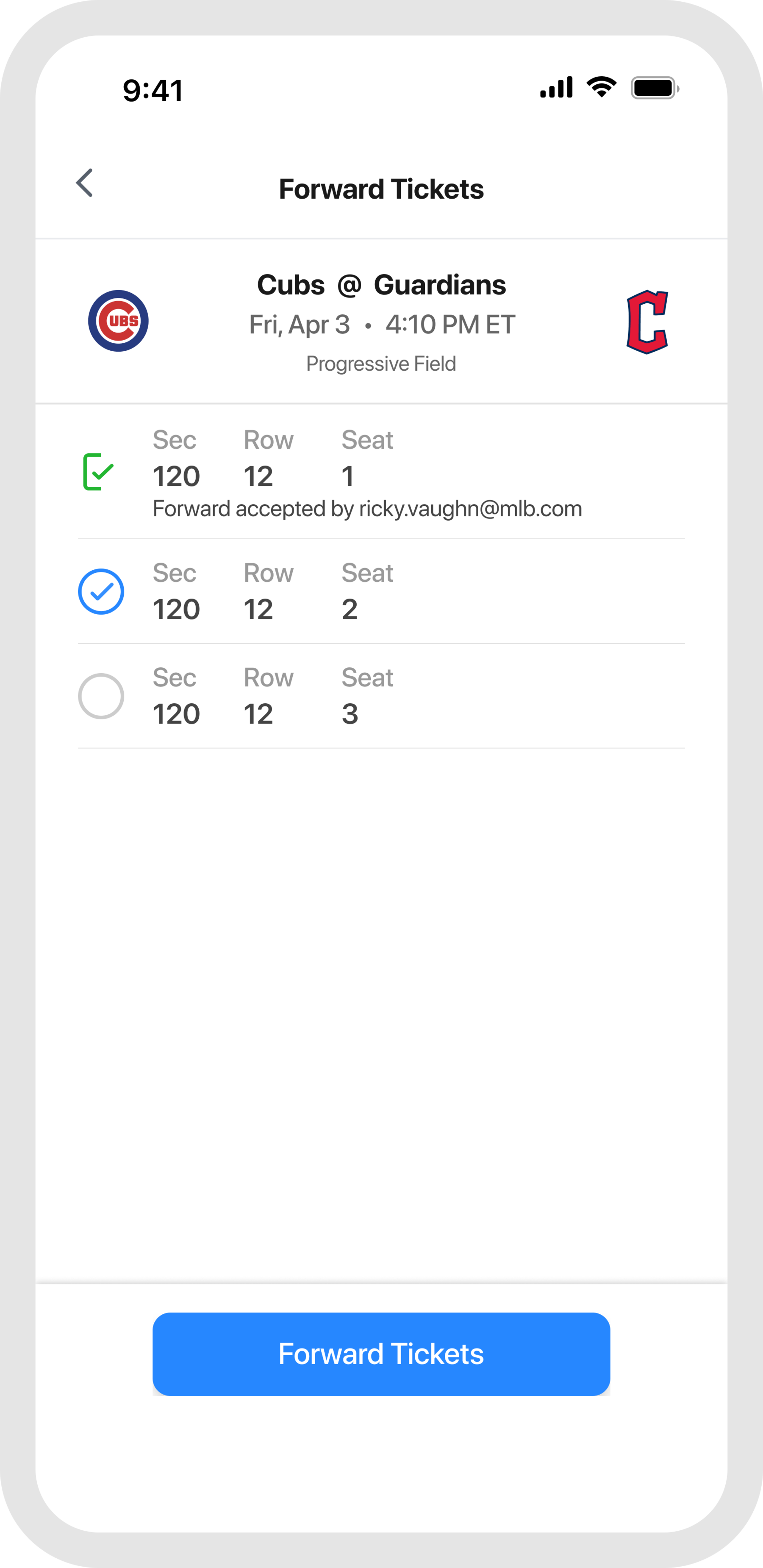
Head to the "Tickets" tab, tap "Wallet," and select the game you are attending. From your ticket list, tap the forward button and choose which tickets to send.
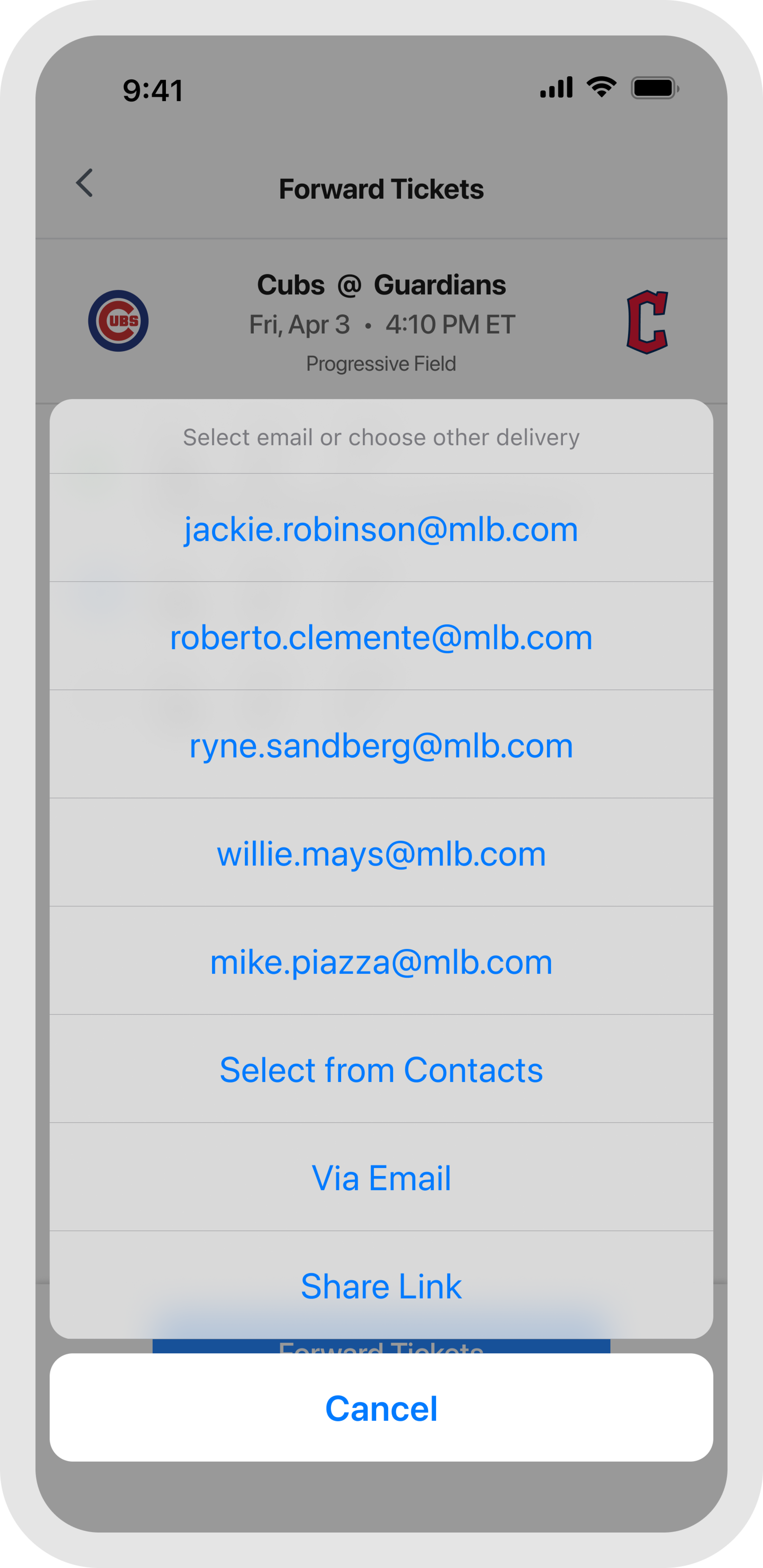
To forward via email, enter an address manually, pull one from your contacts, or tap a recent recipient to resend in one tap. The recipient will get an email or push notification confirming the tickets are on their way.
No email address? Use the share link option and send tickets directly through text. Having your number saved in their contacts helps ensure the message does not get filtered as unknown. Once they tap the link, the tickets will be waiting in their MLB Ballpark app account.
At the Game
Enable location services to unlock venue-specific features, real-time ballpark information, and exclusive check-in offers when you arrive. Turning on notifications keeps you in the loop on your tickets, gate updates, and special promotions throughout the day.
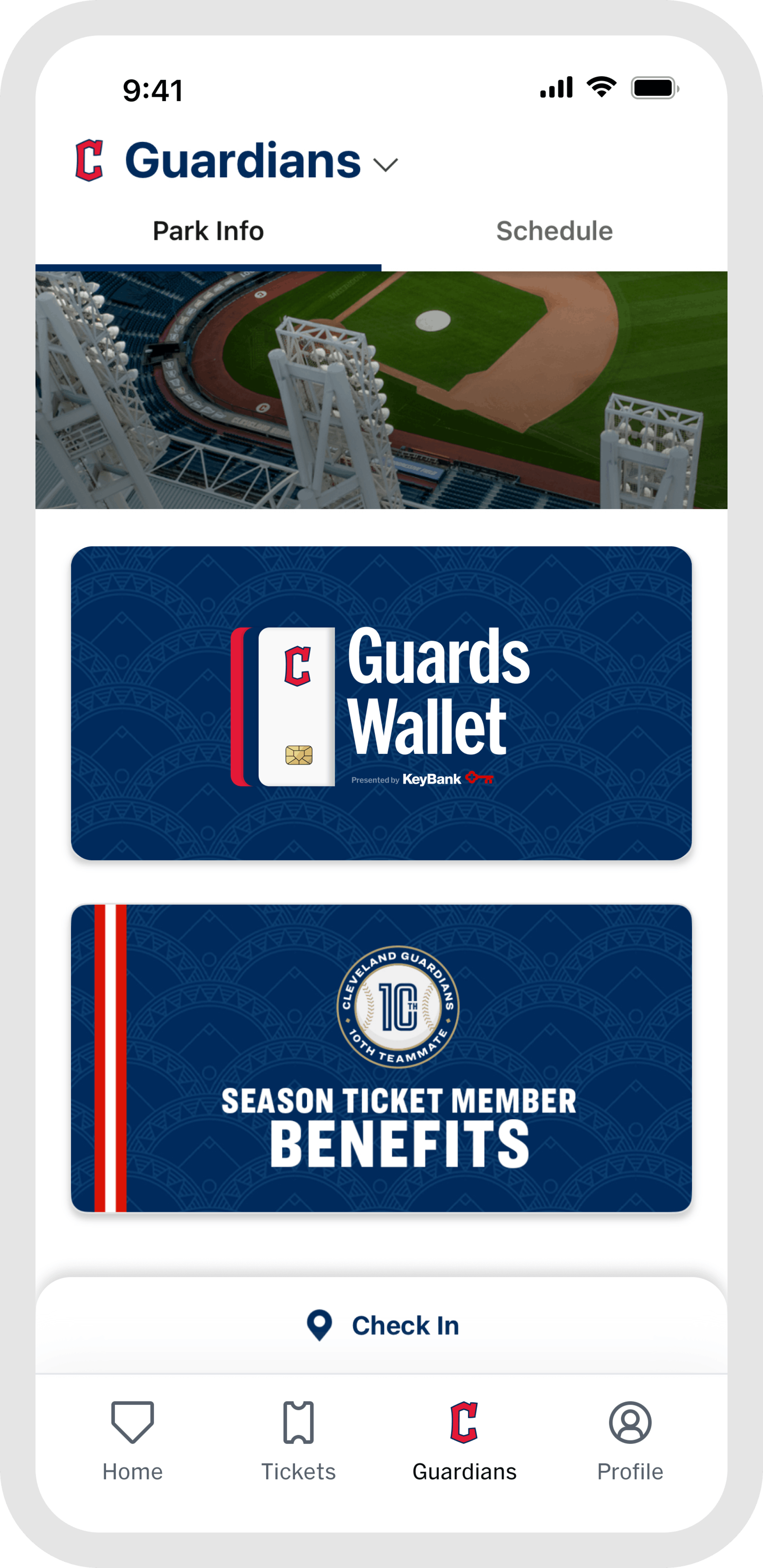
Once you are at the game, the "Home" and "Guardians" tabs are your go-to for everything venue-related. Browse stadium maps, jump into interactive games, find concession info, and access in-game features all designed to make your experience better from first pitch to final out. When the game wraps up, head to "My History" in the "Profile" tab to revisit every game you have attended, all in one place.