


Use the Food & Beverage Virtual Assistant to locate your favourite food and beverages at Rogers Centre.
MLB Ballpark – The Official App of Rogers Centre
Your gameday experience starts here
The official MLB Ballpark app is your mobile app companion for buying game tickets, planning your visit, attending live games at the ballpark, and enhancing your Blue Jays experience.
The MLB Ballpark app lets you:
- Access, forward, and manage your digital tickets
- Play interactive games at home or at the ballpark
- Find the food and beverage options available at Rogers Centre
- Purchase your 50/50 raffle tickets from home
- And much more!
Once in the app don’t forget to customize your experience by enabling location, selecting your favorite team, and allowing notifications.
iPhone

Android

Access Tickets
Ticket Access
Log in to your Ticketmaster account within the Tickets Tab to view your Blue Jays tickets.
- Open the MLB Ballpark app on your phone.
- Log in to an existing MLB account or create a new account with the same email address used to buy your tickets.
- If this is your first time accessing your tickets in the MLB Ballpark app, you may need to verify your email address by tapping the Settings gear on the top right-hand corner of the Today tab, selecting “MLB Account,” and tapping to send the verification email.
- A verification email will be sent to the email address requested. Click on the link in the email to allow access to your tickets in the MLB Ballpark app.
- Under Tickets, log in with your Ticketmaster credentials used to purchase tickets.
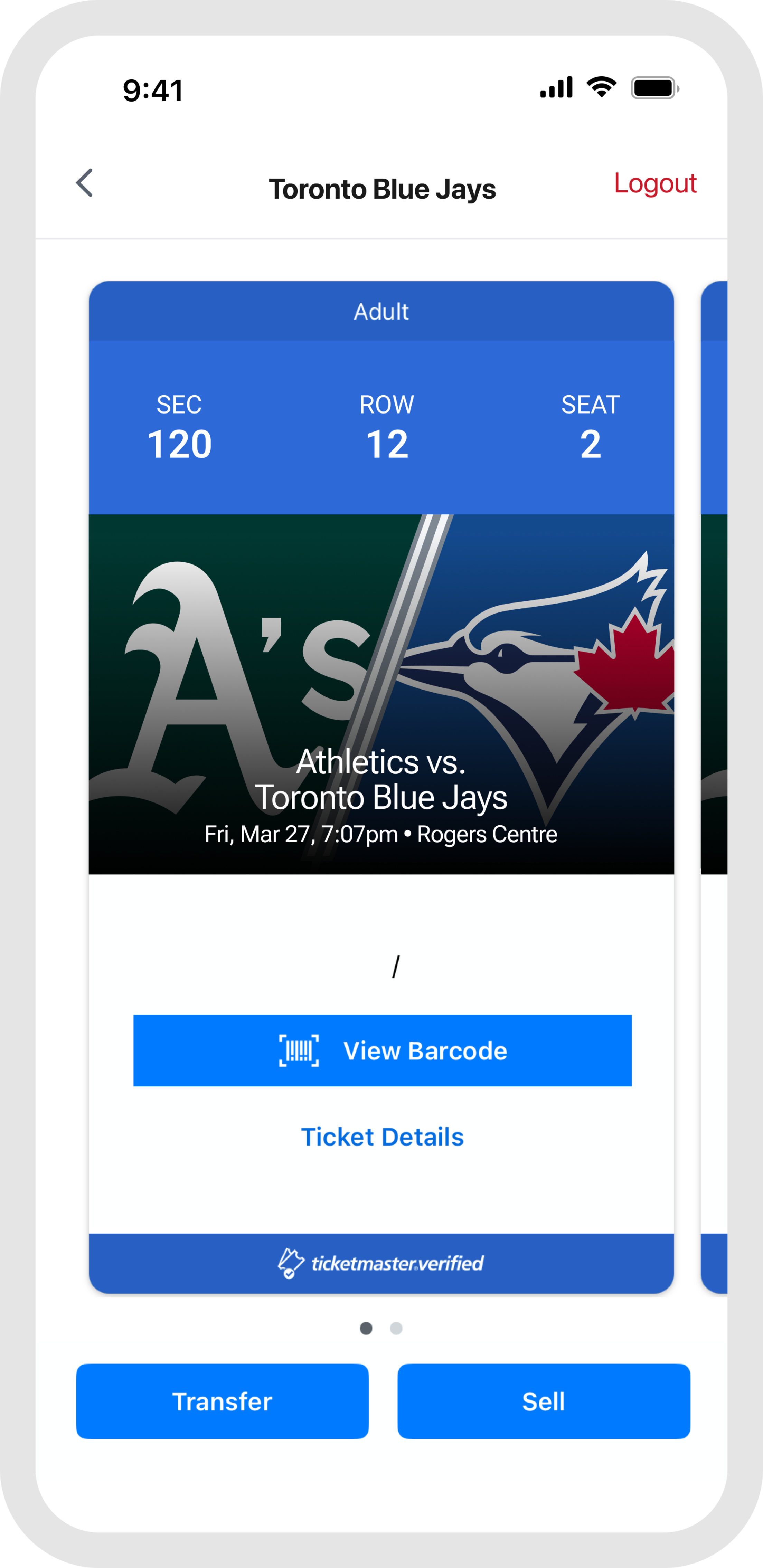
All of your tickets will be available in the under Tickets, found in the Wallet tab or the Today tab on gameday.
Forwarding Tickets
The MLB Ballpark app allows you to easily forward tickets to family, friends, colleagues, ticket partners and others with whom you wish to share your tickets so that they can access their ticket on their personal phone.
From the Tickets tab, tap on a game to access a list of your tickets. At the bottom of the list, tap “Transfer”. Select the ticket(s) you wish to transfer then choose “Select From Contacts,” “Via Email,” or “Mobile Number”. Selecting “Transfer To” again prompts you to enter an email address or Mobile Number or choose a friend from your Address Book. You can then add the recipient's name (optional) and a message (optional) before tapping “Transfer” to complete the forward.
At the Game
Make sure to enable location to access venue information, app features, and exclusive check-in offers when you’re at the stadium. Don’t forget to turn on notifications to get updates on your game tickets, important ballpark information, promotions and more.
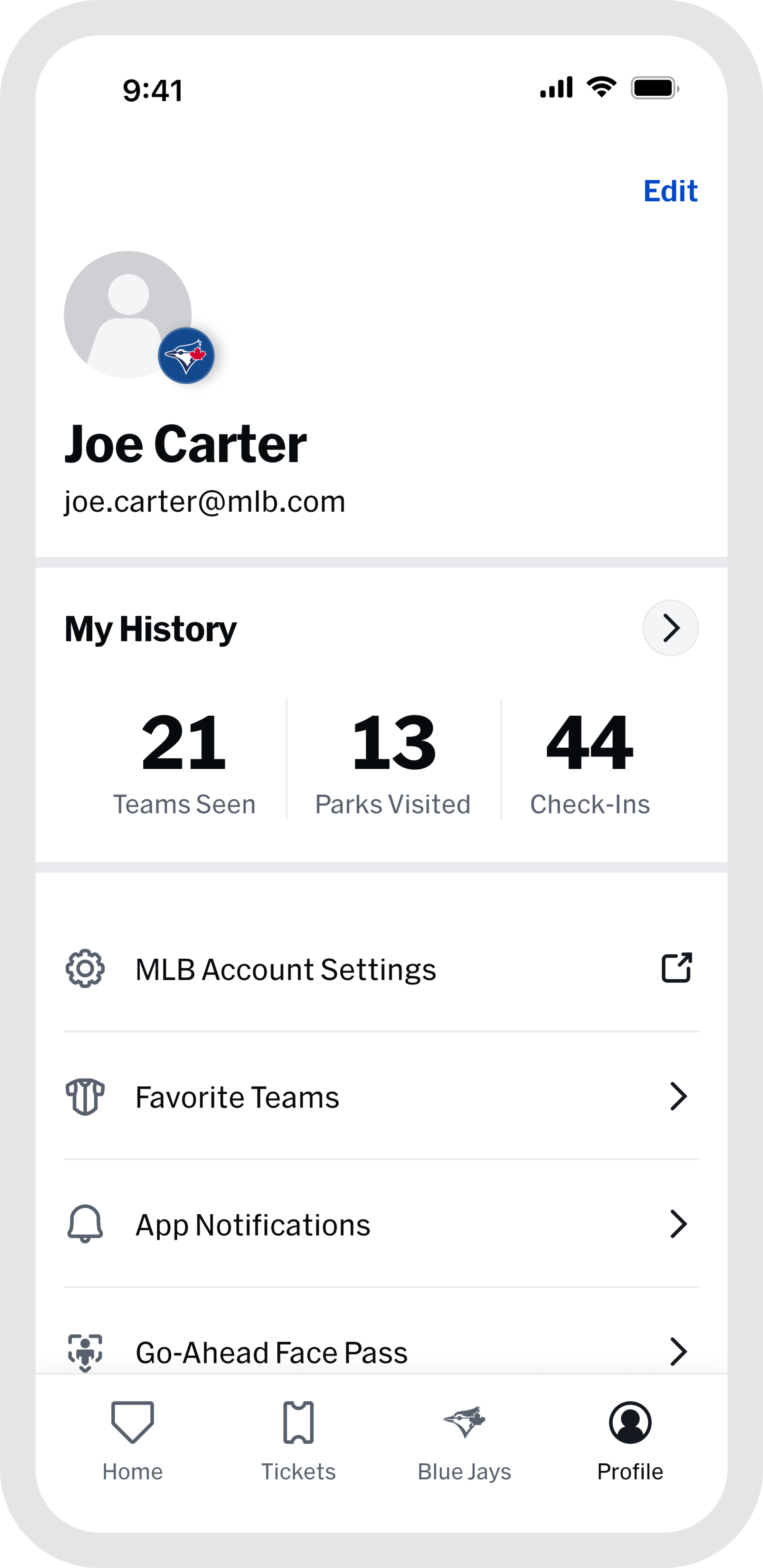
When you arrive at the ballpark, the Home and Blue Jays tabs will be your central source for venue information and features to enhance your stadium visit. To document your visit at Rogers Centre, upload photos of your memories to My History. Simply tap on the Profile link in the top corner to check out the details of your ballpark check-ins.
Enhance Your Fan Experience
At The Ballpark

Order from anywhere in the ballpark for pick up at one of 6 concession locations.
Fan Engagement

Check out our upcoming Blue Jays Promotions and Theme Days.

Jr. Jays 14-years-old and under can take part in two great membership programs by having their parent or guardian register for a membership. We look forward to seeing you at the ballpark soon!

Looking to practice your baseball skills to play like your favourite Blue Jays player? Try out some of the drills featured at the Blue Jays Baseball Academy Instructional Clinics.

Want to win BIG while supporting a great cause? With one jackpot combined in-stadium and online, Jays Care’s record-setting 50/50 draw presented by theScore Bet is your chance to win a life-changing jackpot while supporting kids in Jays Care programs. Don’t miss out and get your tickets today! Must be 18+ and located in Ontario to purchase.