


Mobile Ordering
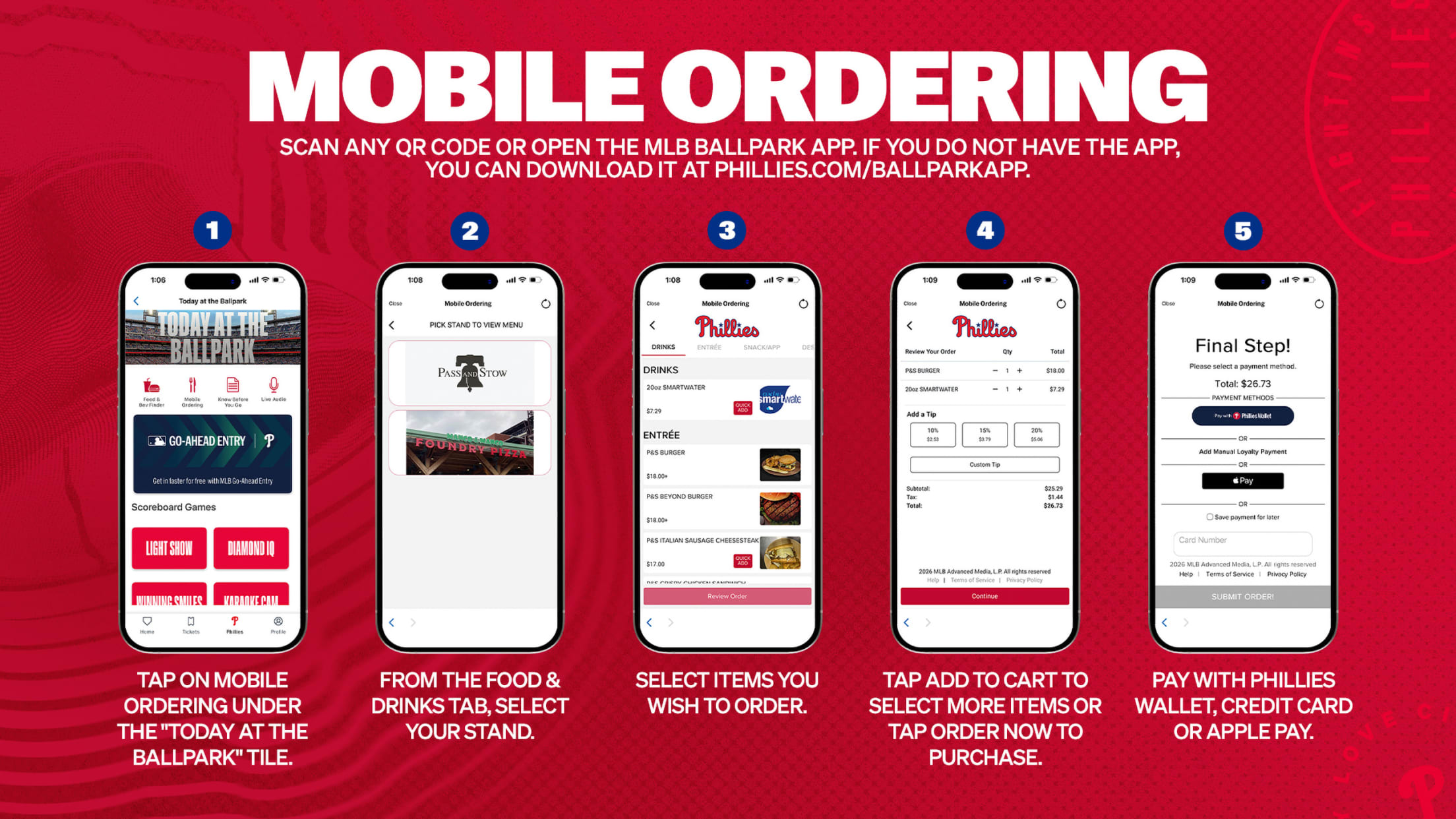
Phillies fans can order concessions ahead of time right from the MLB Ballpark app using a Mobile Ordering service. Open the MLB Ballpark app and tap on the Mobile Ordering icon, or scan a QR code available in select locations at Citizens Bank Park.
- Order from anywhere at Citizens Bank Park
- Minimize your time spent in line
- Pay with Phillies Wallet, credit card or Apple Pay
Questions? View the step by step instructions below to guide you through placing your order.
Food & Drinks Mobile Ordering
Follow the steps below to place a mobile order.
Step 1: Scan any QR code or open the MLB Ballpark app and tap on Mobile Ordering. If you do not have the app, you can download it at phillies.com/ballparkapp
Step 2: From the Food & Drinks tab, select your stand.
Step 3: Select items you wish to order.
Step 4: Tap Add to Cart to select more items or tap Order Now to purchase.
Step 5: Pay with Phillies Wallet, credit card or Apple Pay.
Do not close out of the confirmation screen until after you receive your order.
Android users may need to download a QR Code & Barcode Scanner app to scan QR codes.