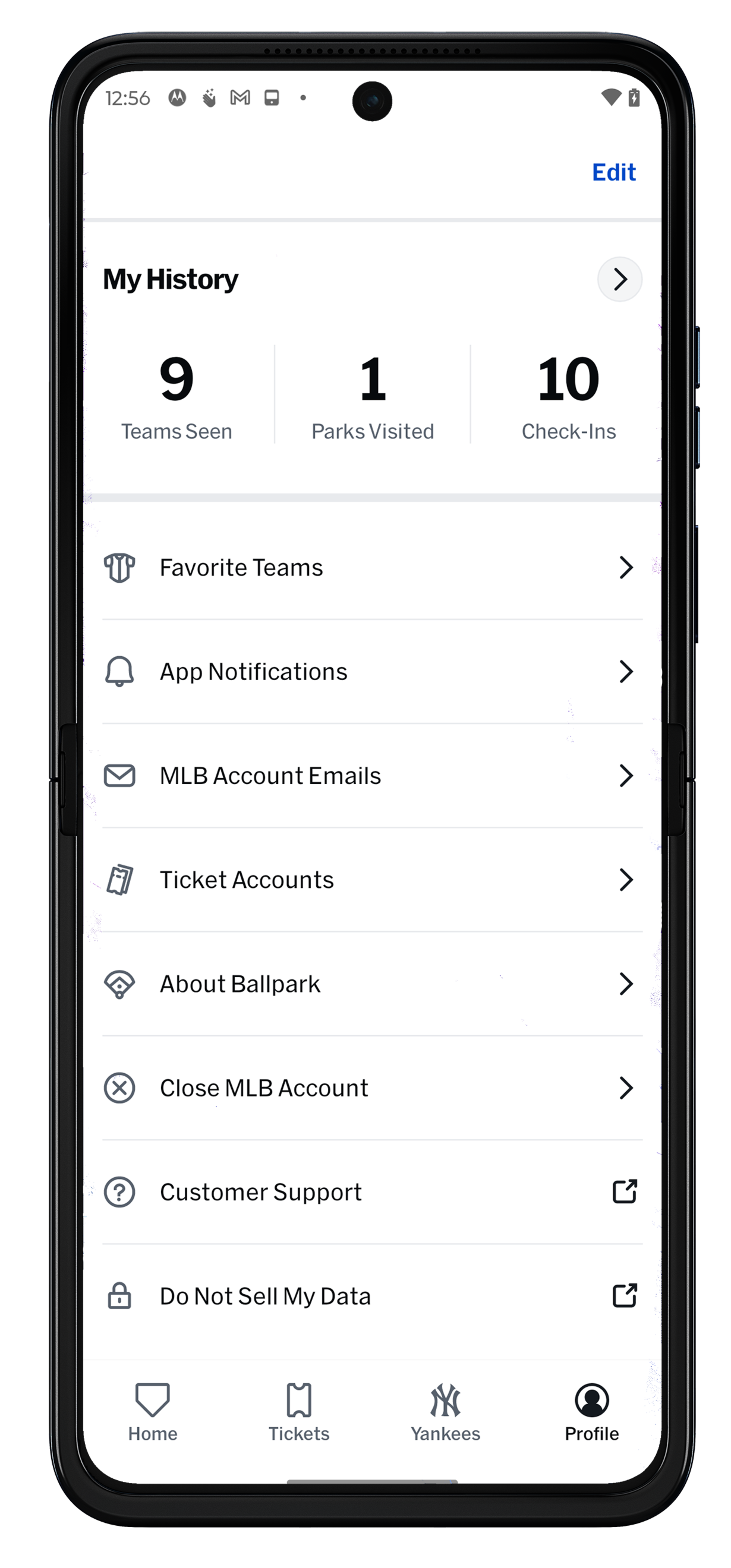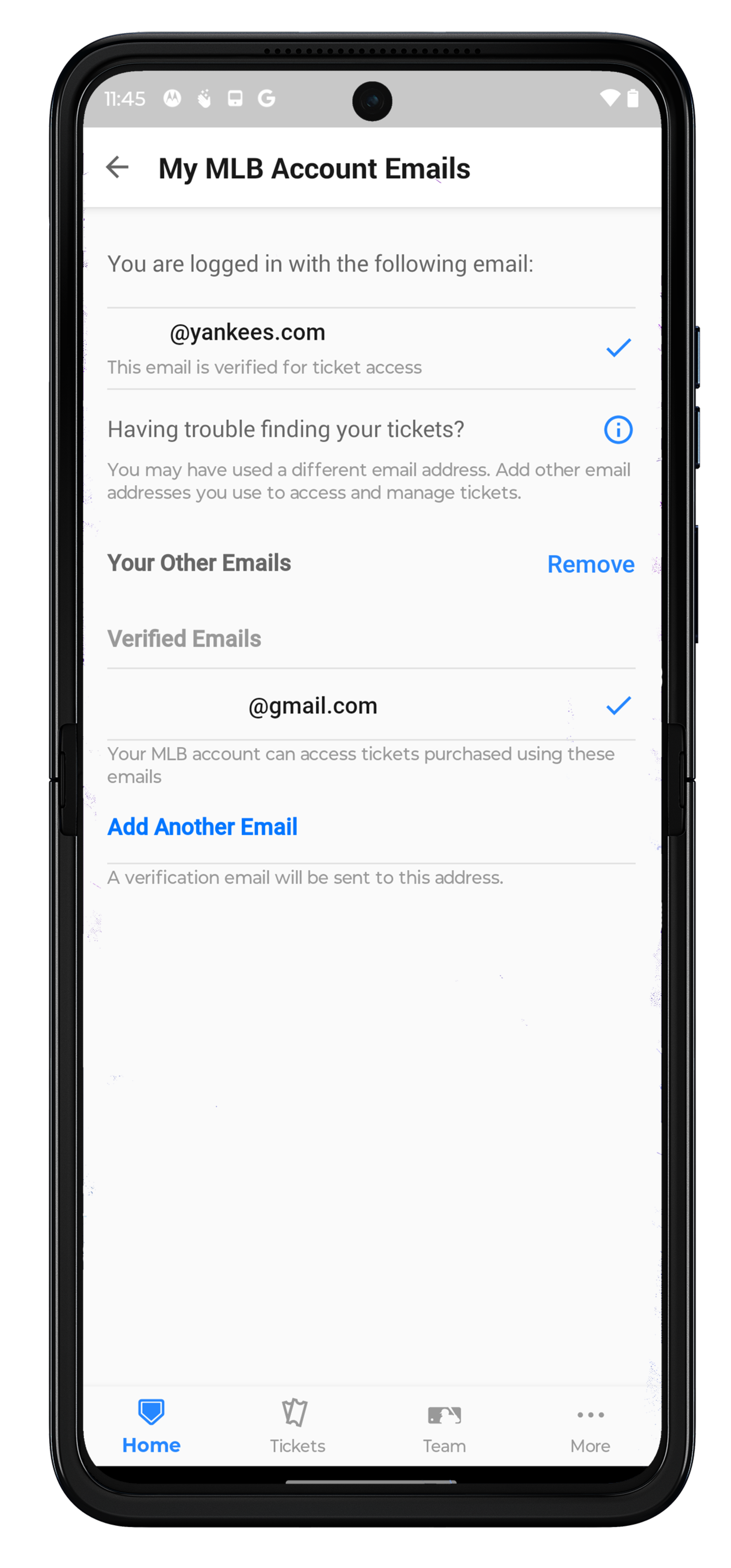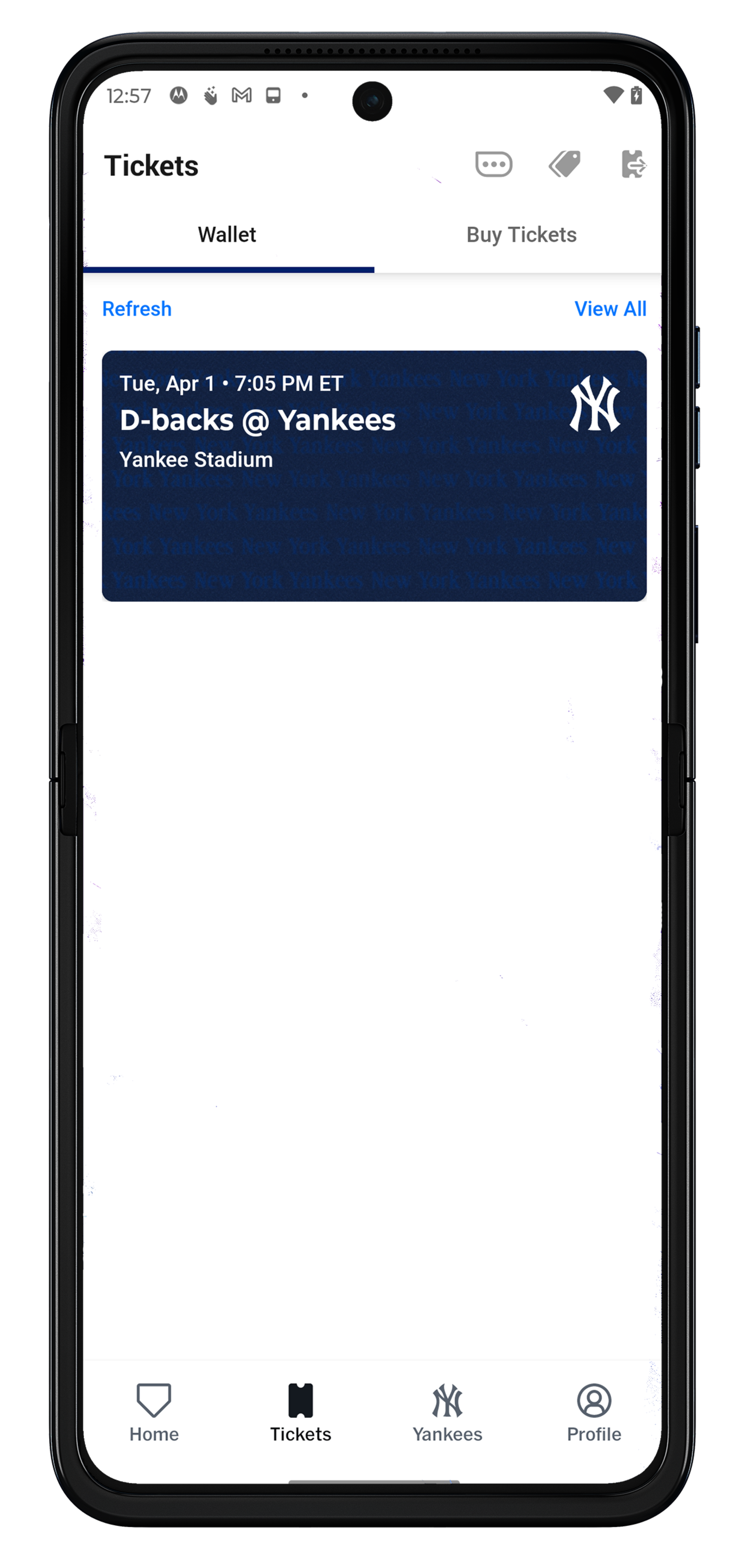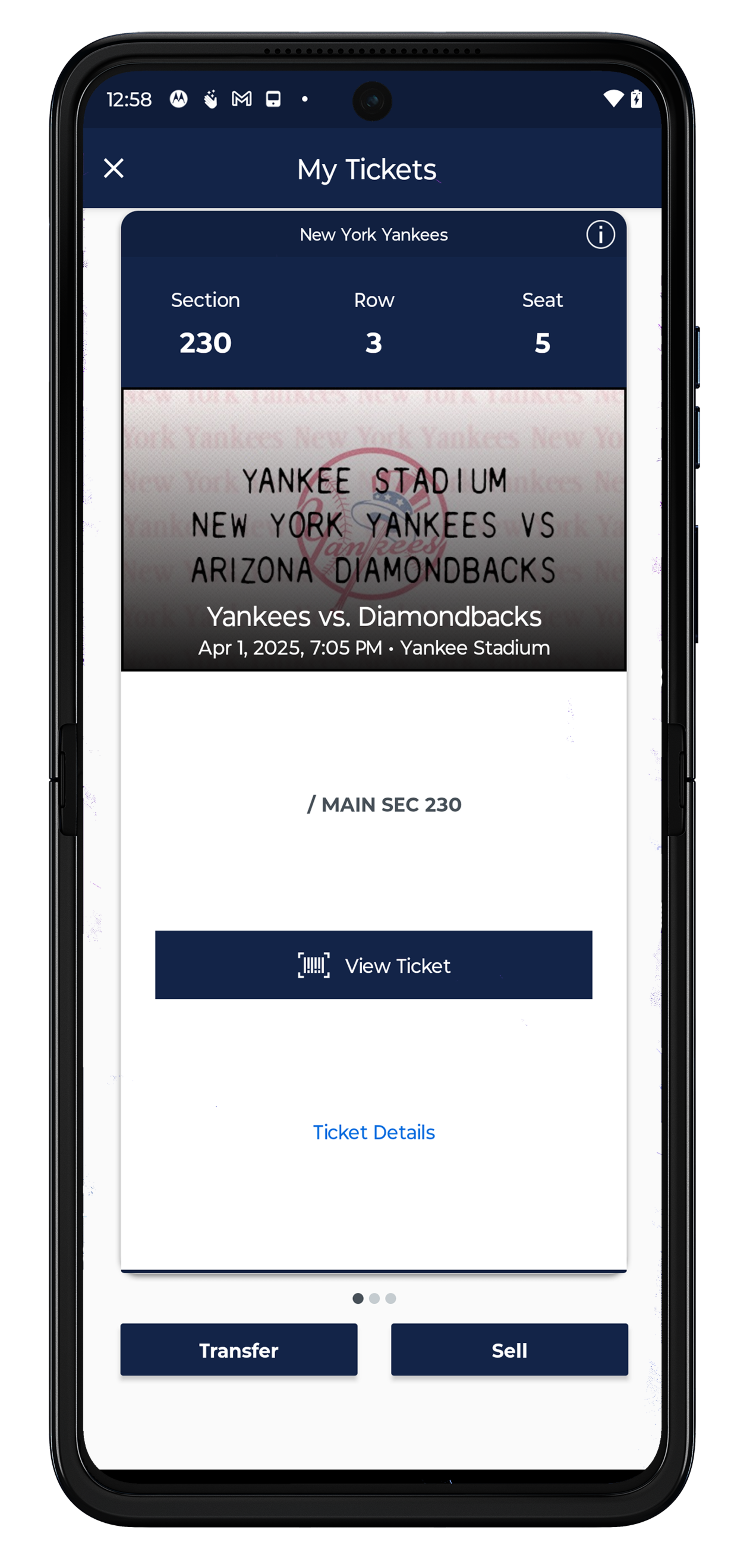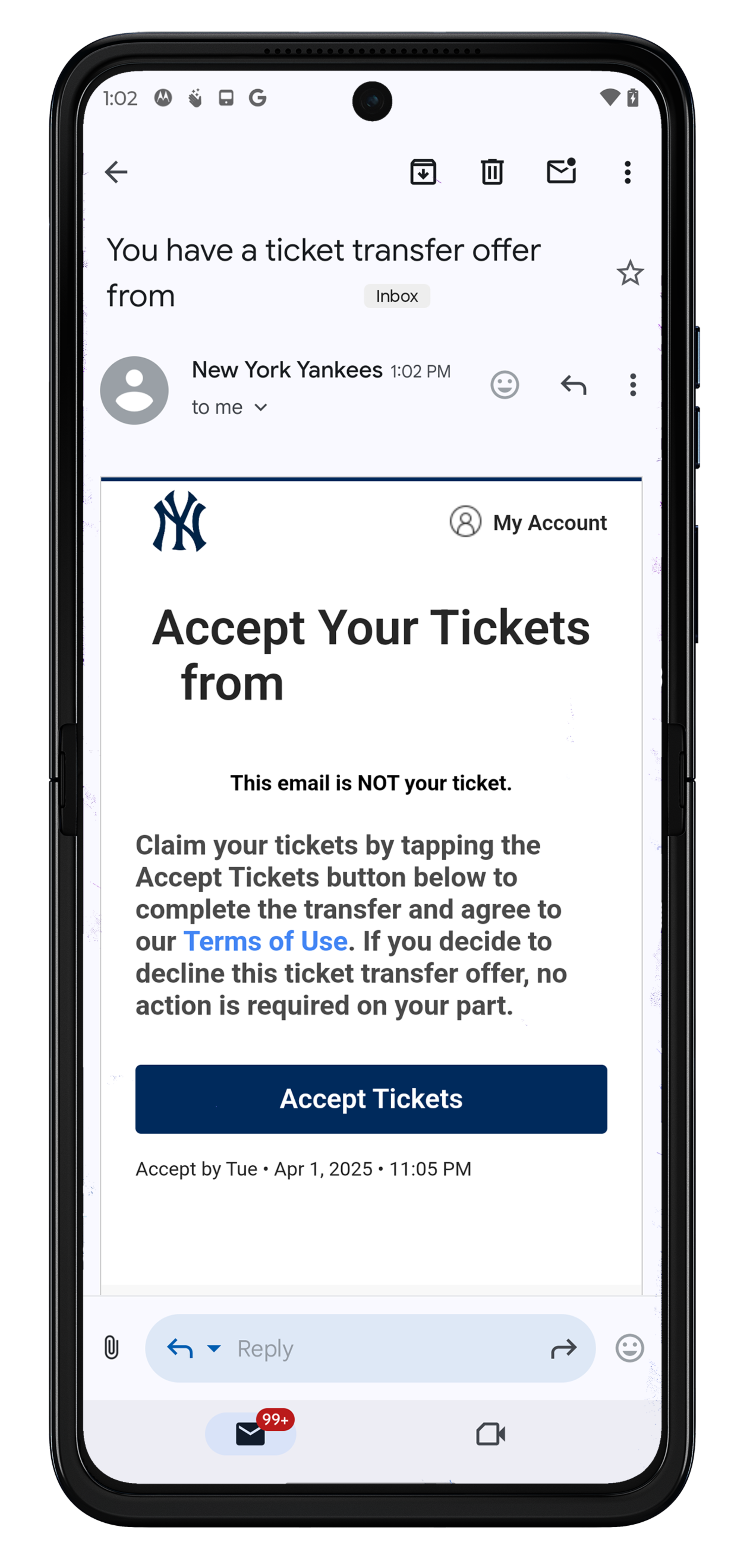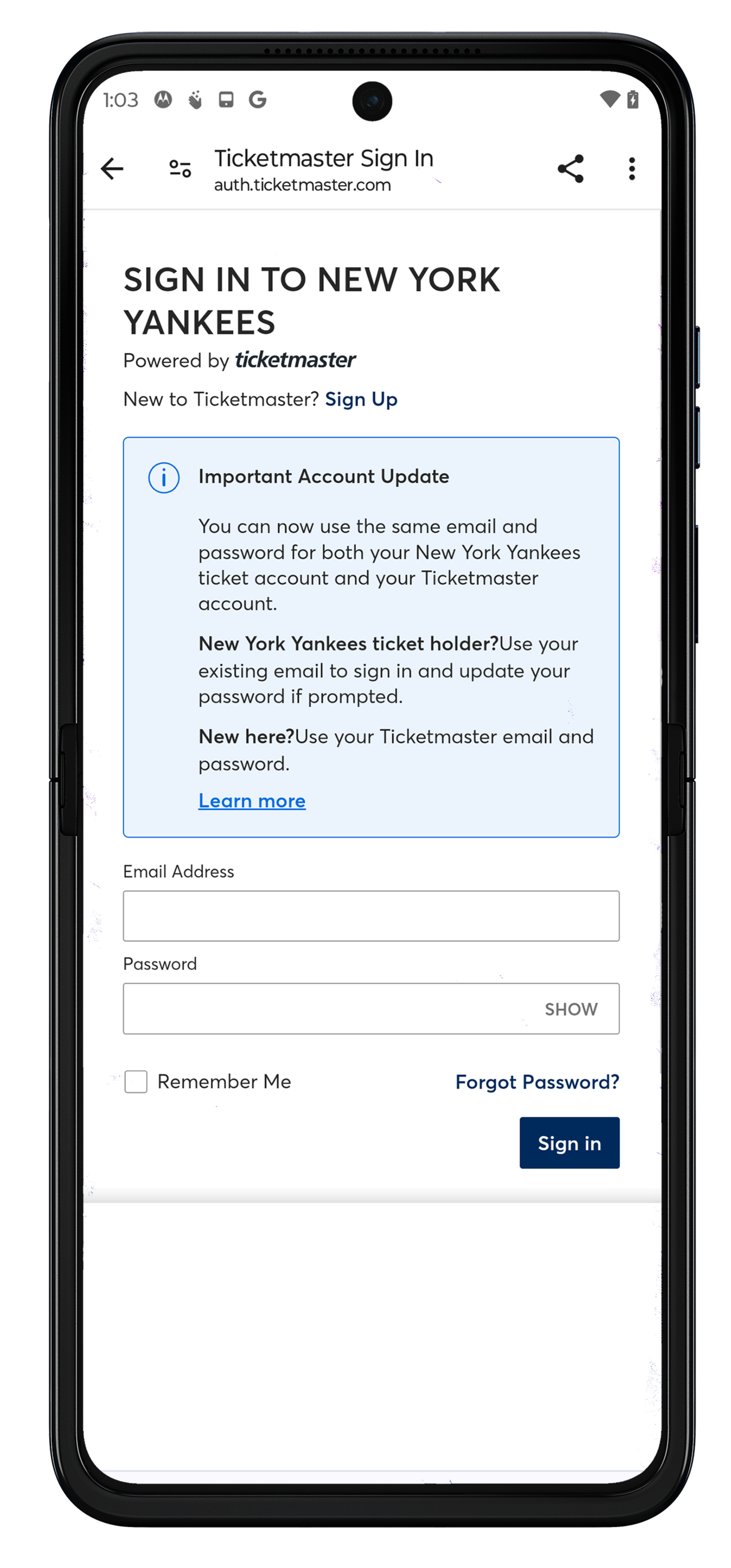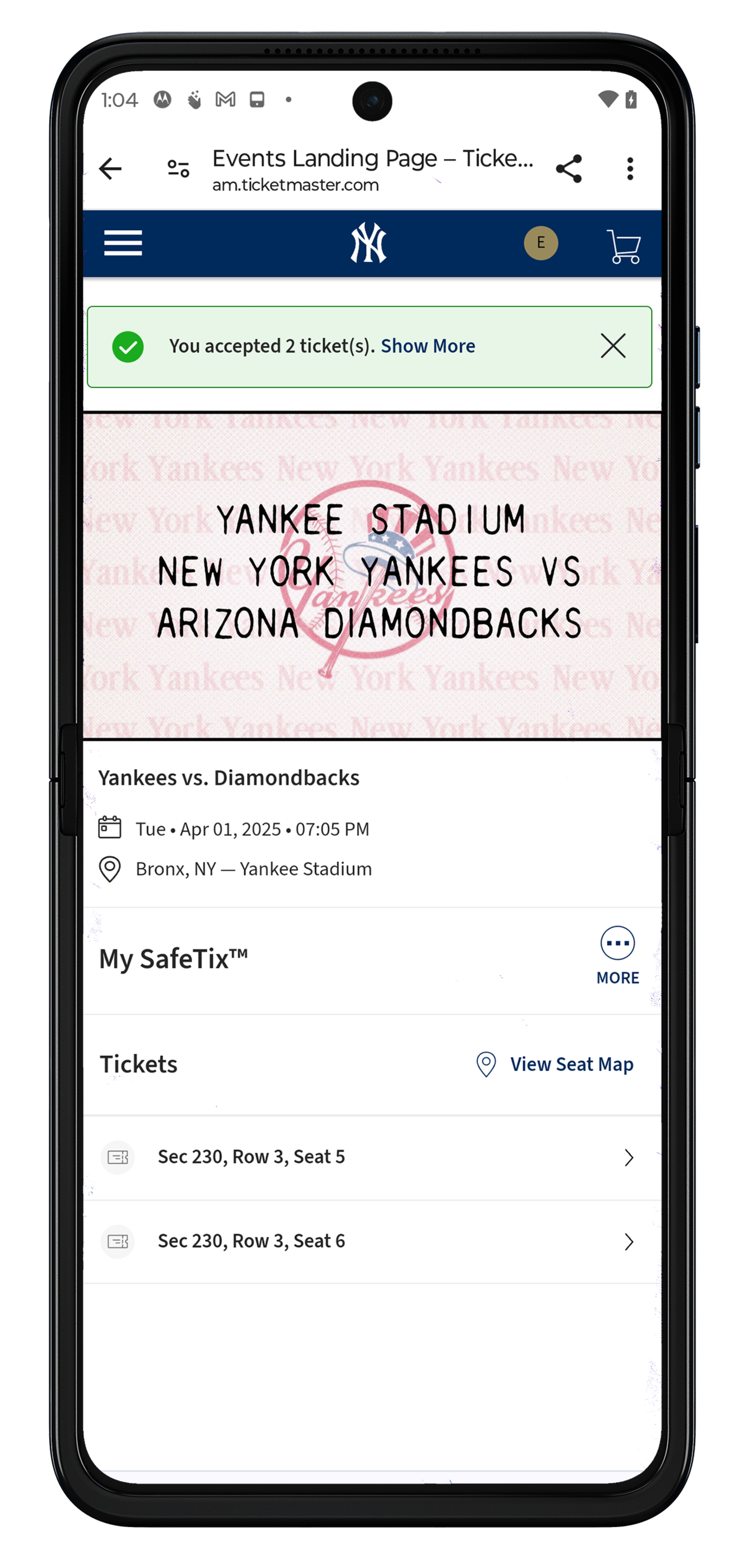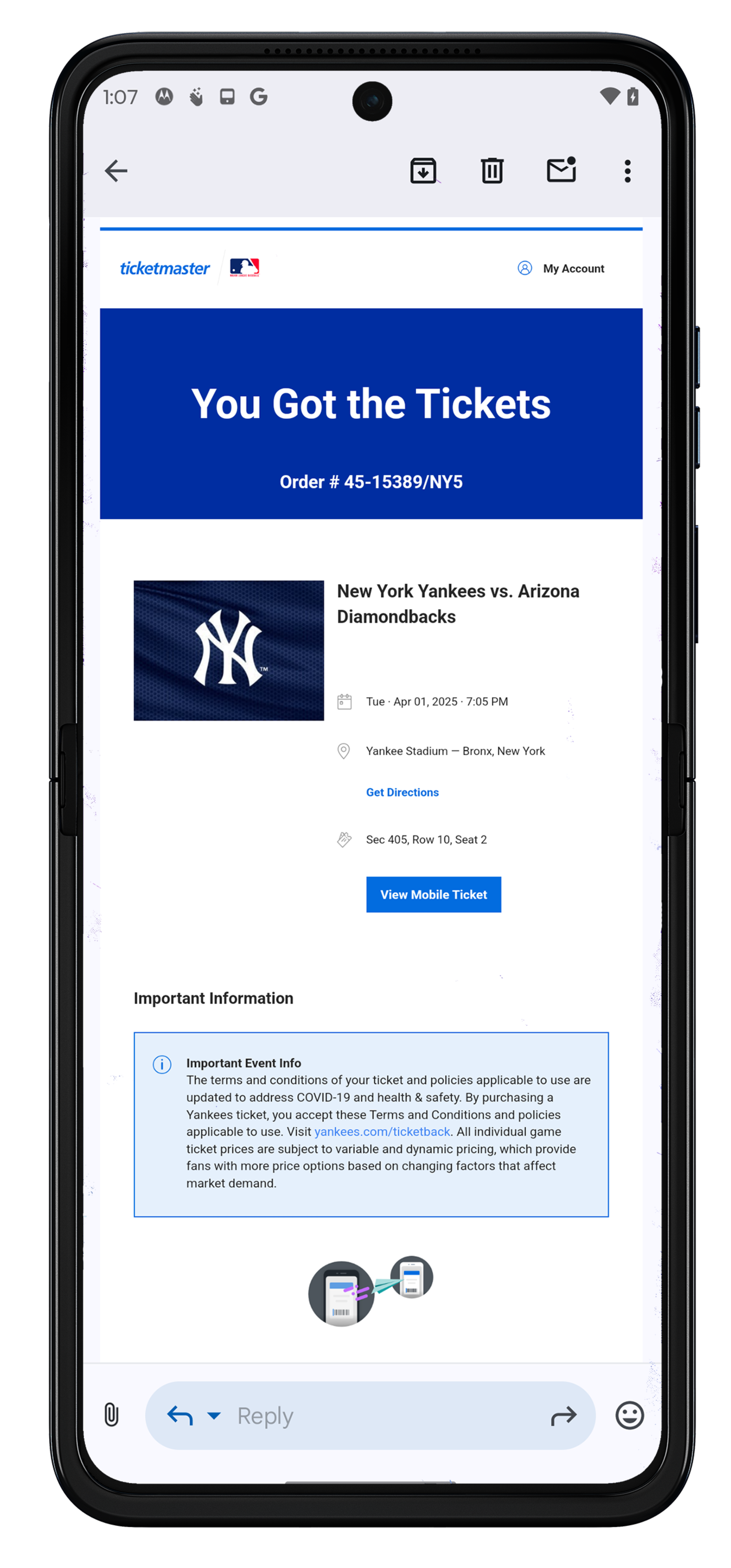
The MLB Ballpark app is your mobile companion when visiting your favorite Major League Baseball ballparks. The official MLB Ballpark application perfectly complements and personalizes your trip with digital ticketing functionality, mobile check-in, special offers, rewards and exclusive content.
Mobile Ticket Delivery

Quick Guide: Get Gameday Ready
Take these steps before arriving at Yankee Stadium for a seamless entry:
- Download & Update: Get the latest version of the MLB Ballpark app and complete your one-time security setup.
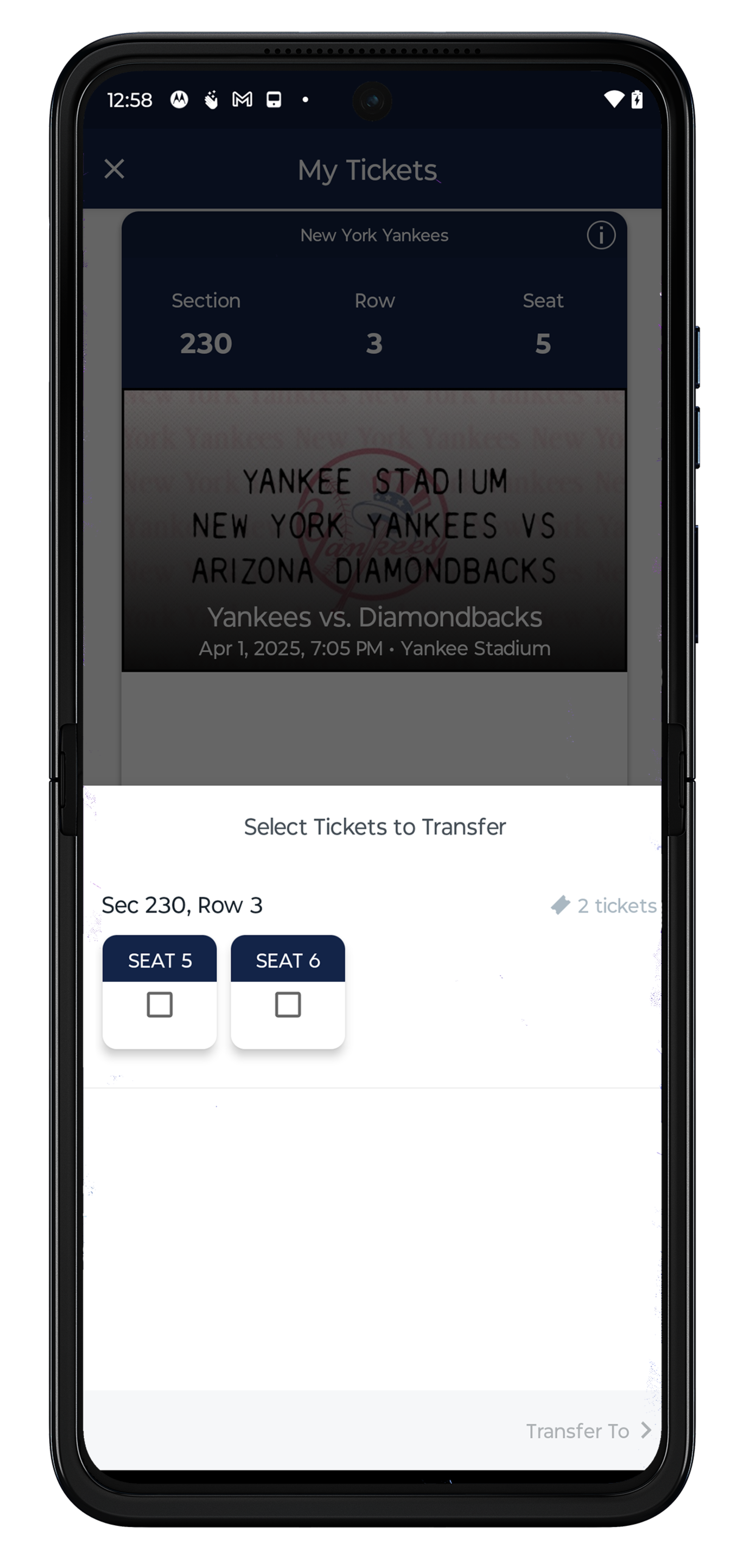
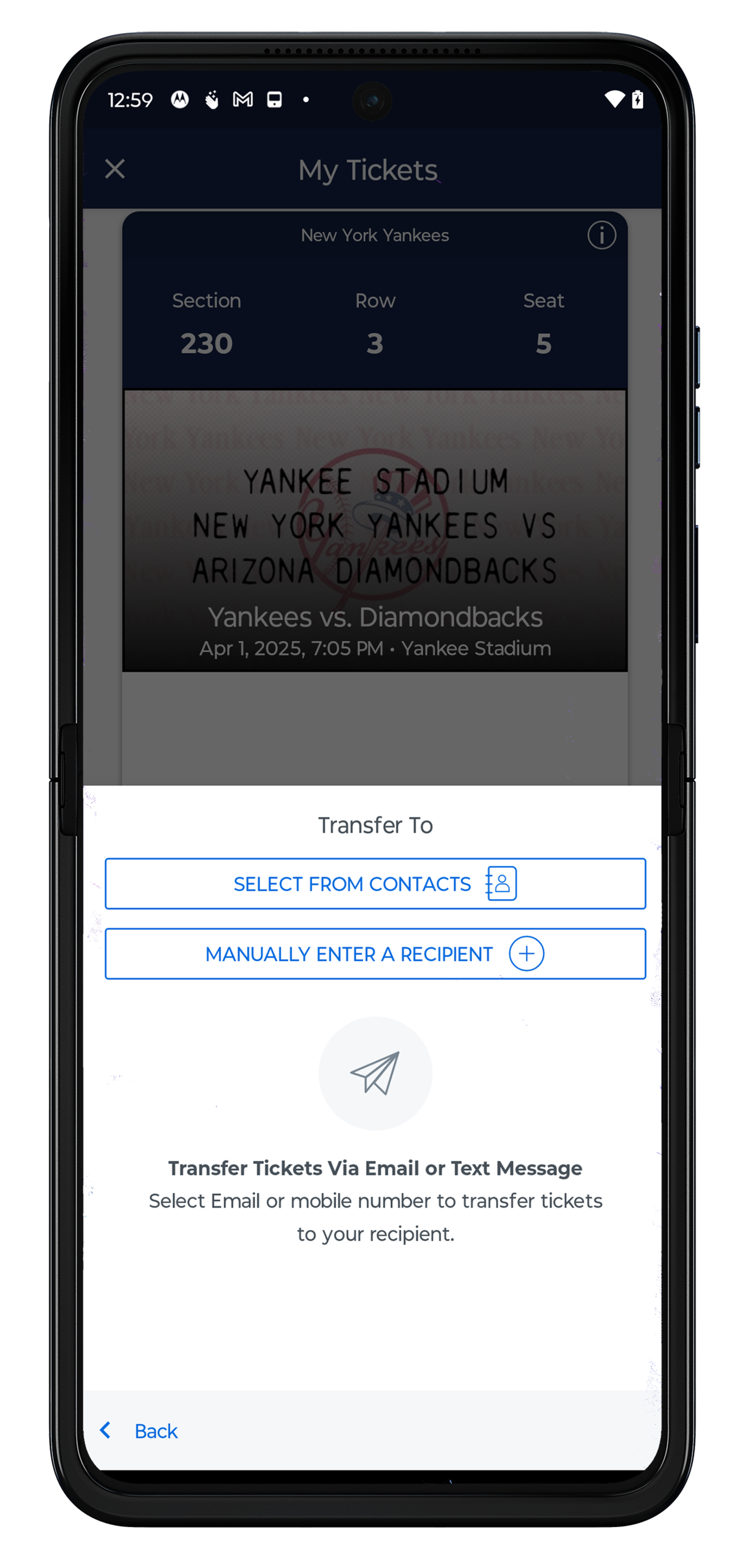
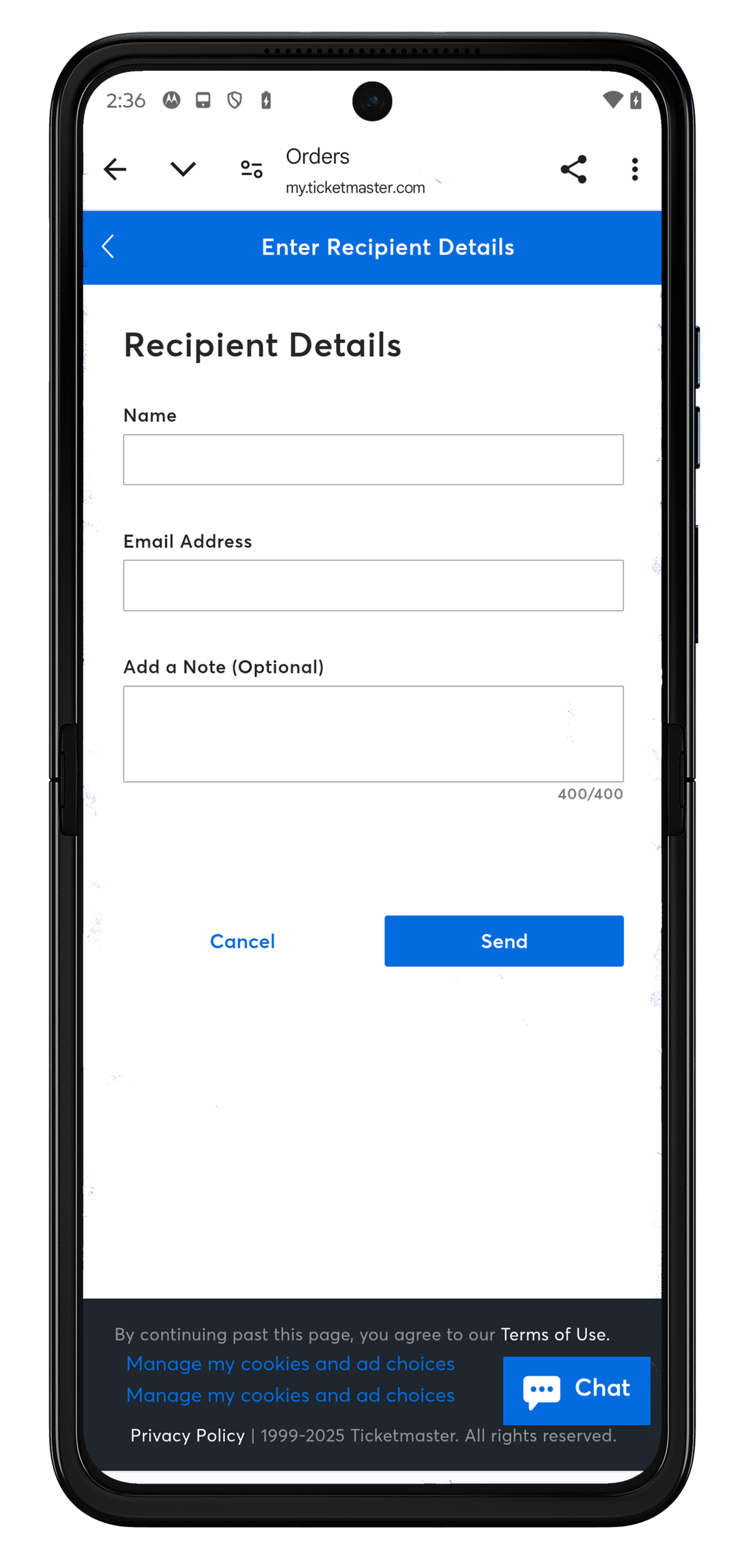
- Transfer to your Guests: Send tickets to each member of your party before arriving. (Tickets cannot be transferred once scanned at the gate.)
- Add to Wallet: Save tickets to your Apple Wallet or Google Wallet.
- Note: Please ensure you’ve upgraded your phone to the latest iOS (for Apple Wallet users) and that any ticket within the ticket account hasn’t been downloaded to another fan’s Apple or Google Wallet.
- No Screenshots: Digital barcodes must be scanned from the MLB Ballpark app or your mobile wallet. Screenshots will not be accepted.
Alternative Methods for Mobile Ticket Access
For tickets purchased on ticketmaster.com
For season tickets, group tickets, or individual game tickets purchased on SeatGeek
The below actions must take place on your mobile device.
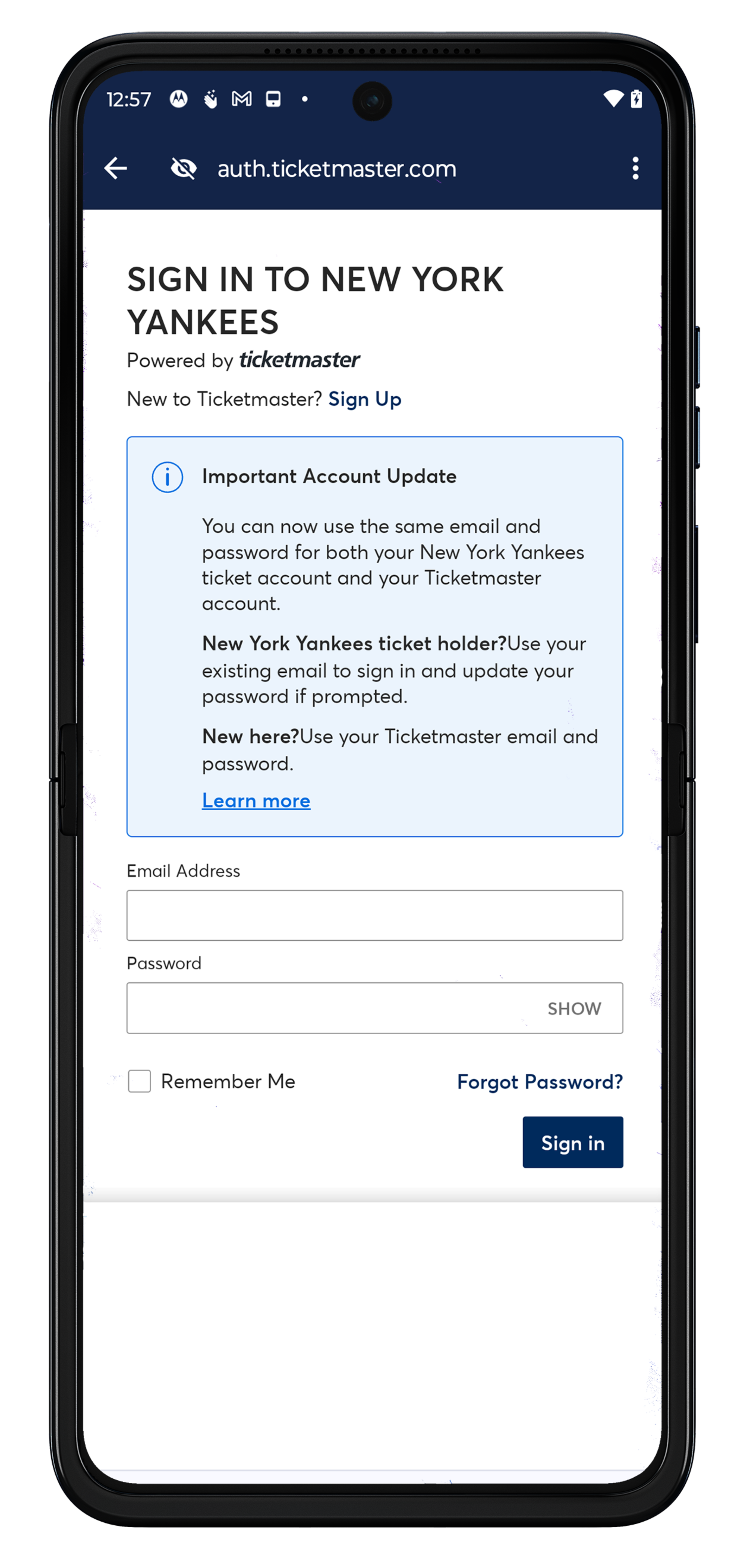
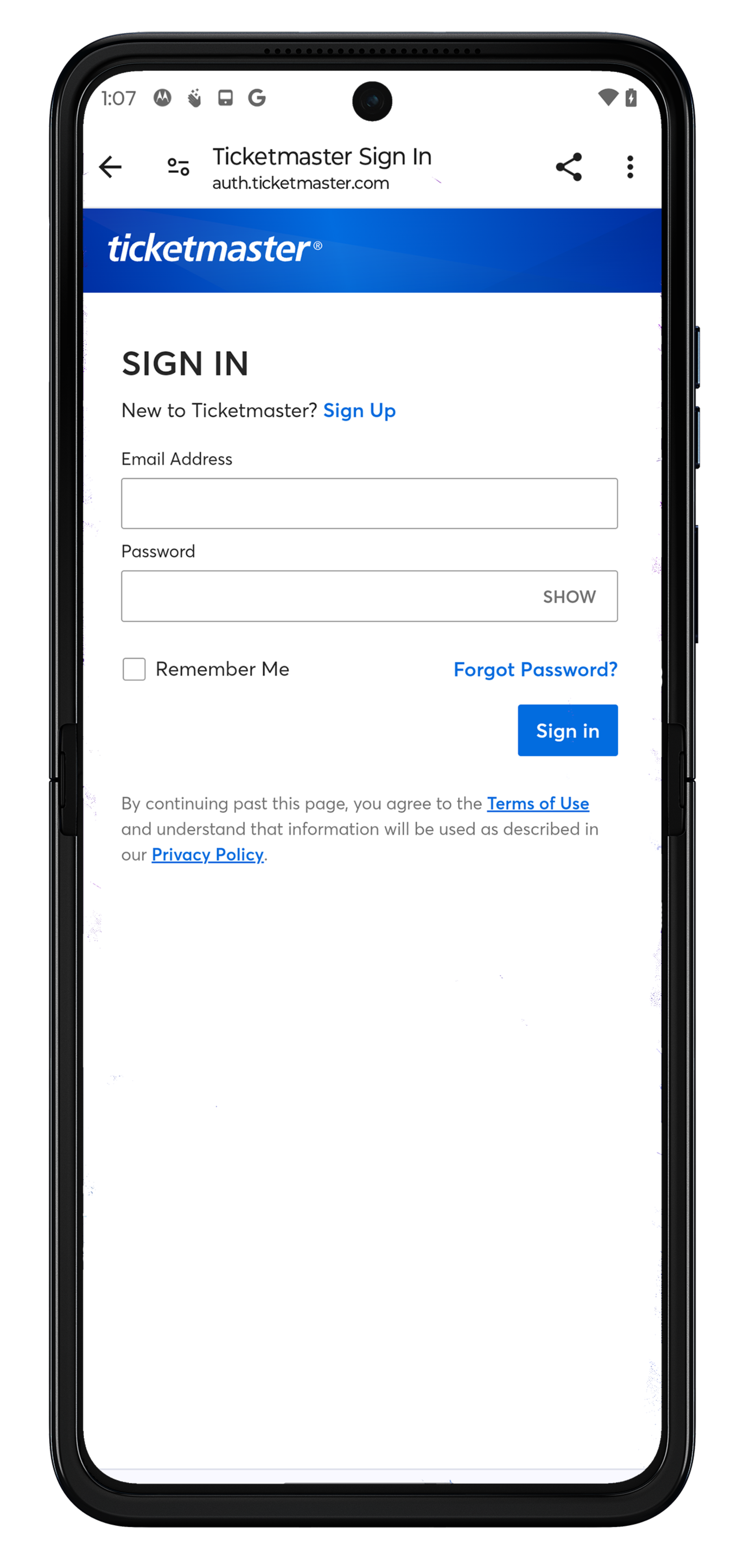
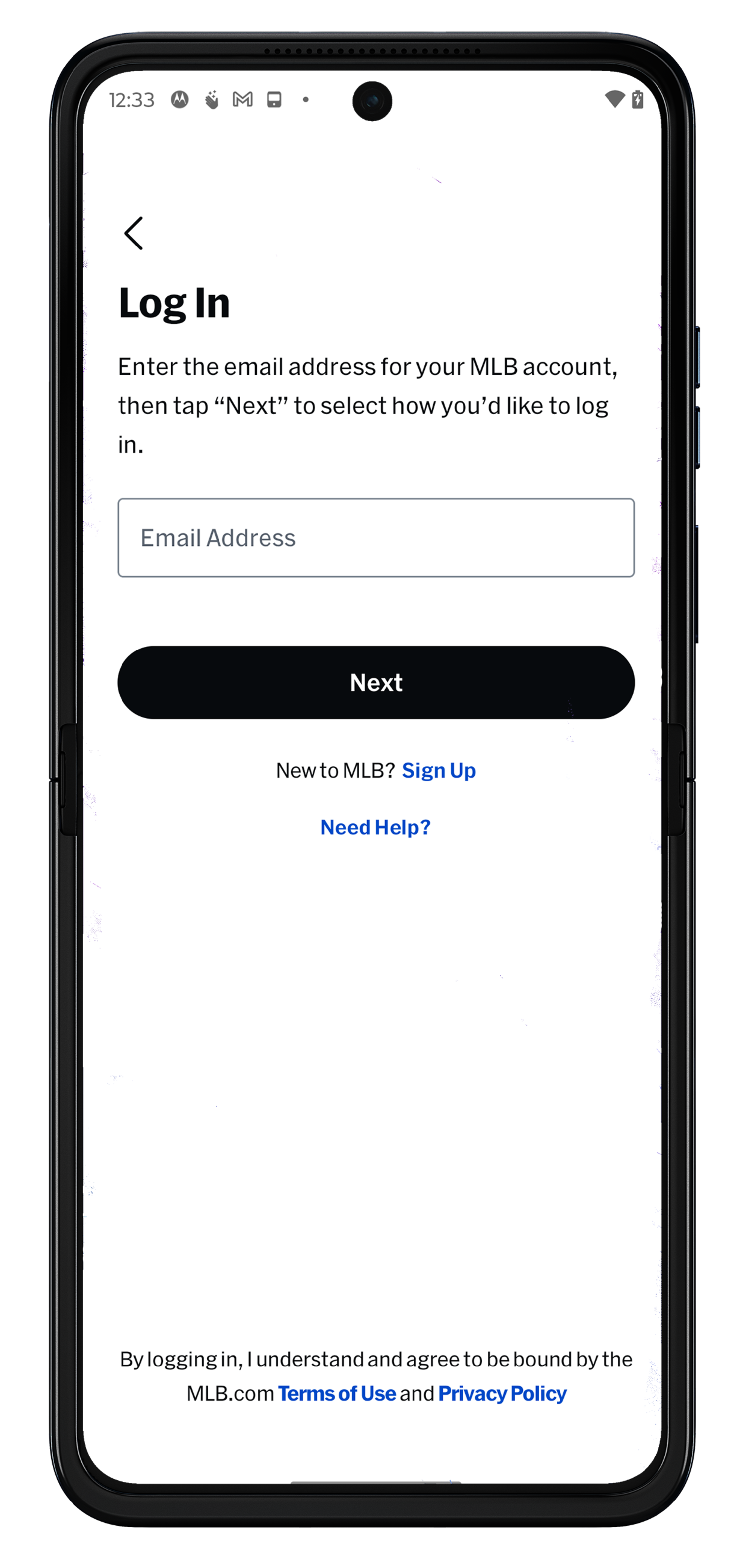
- Log into your My Yankees Account from your mobile device using your existing email address and password.
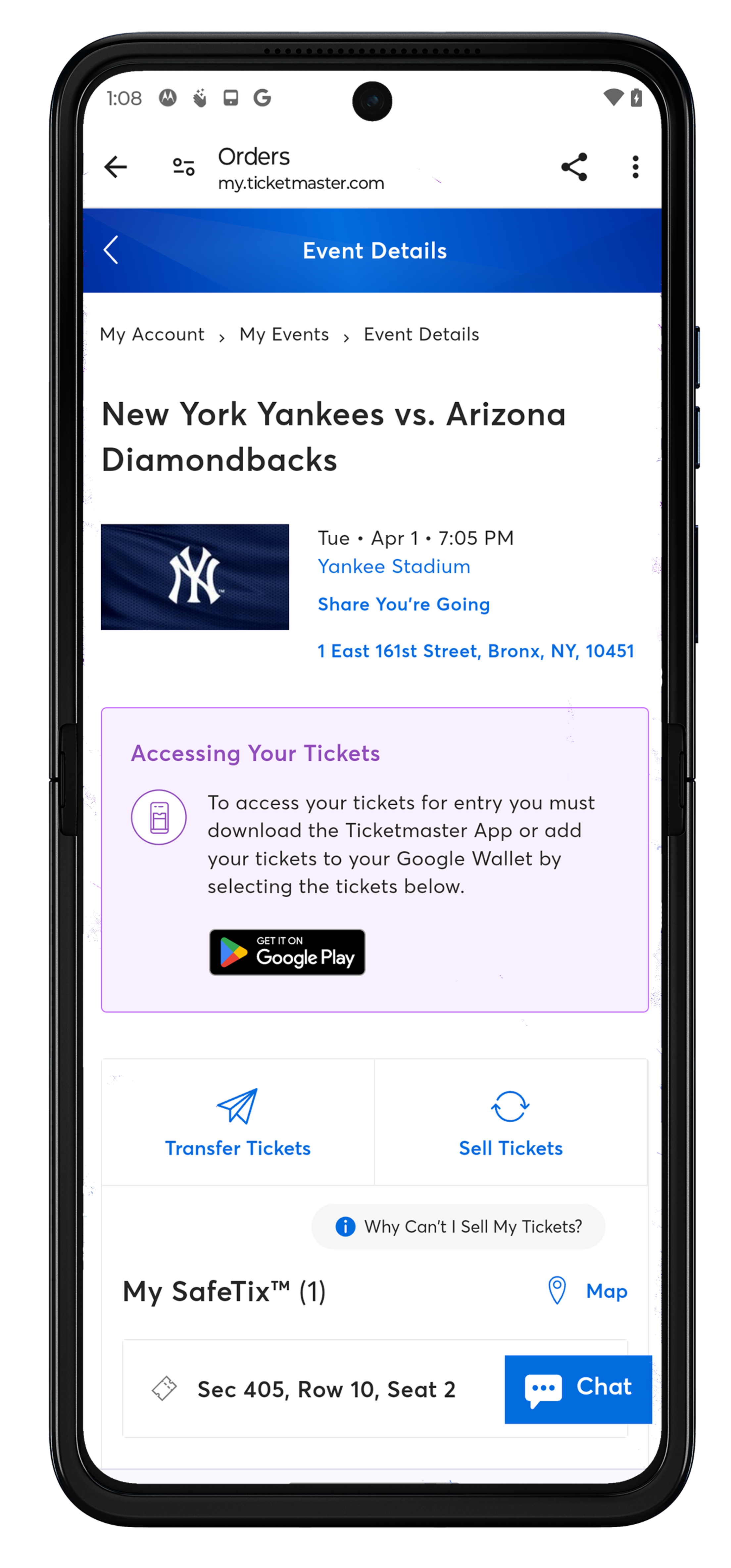
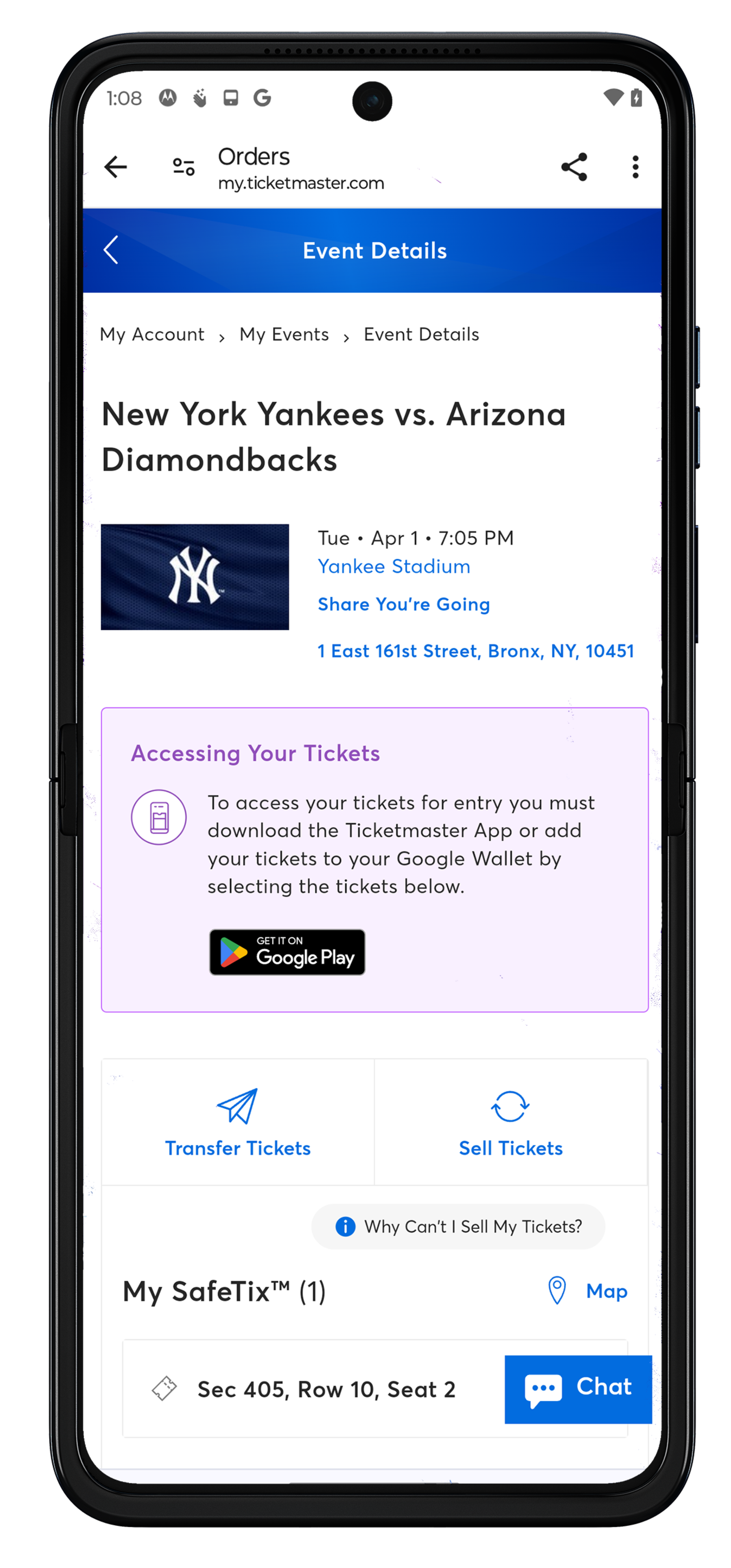
- Once logged in, select My Upcoming Events or Manage My Tickets to view your event details.
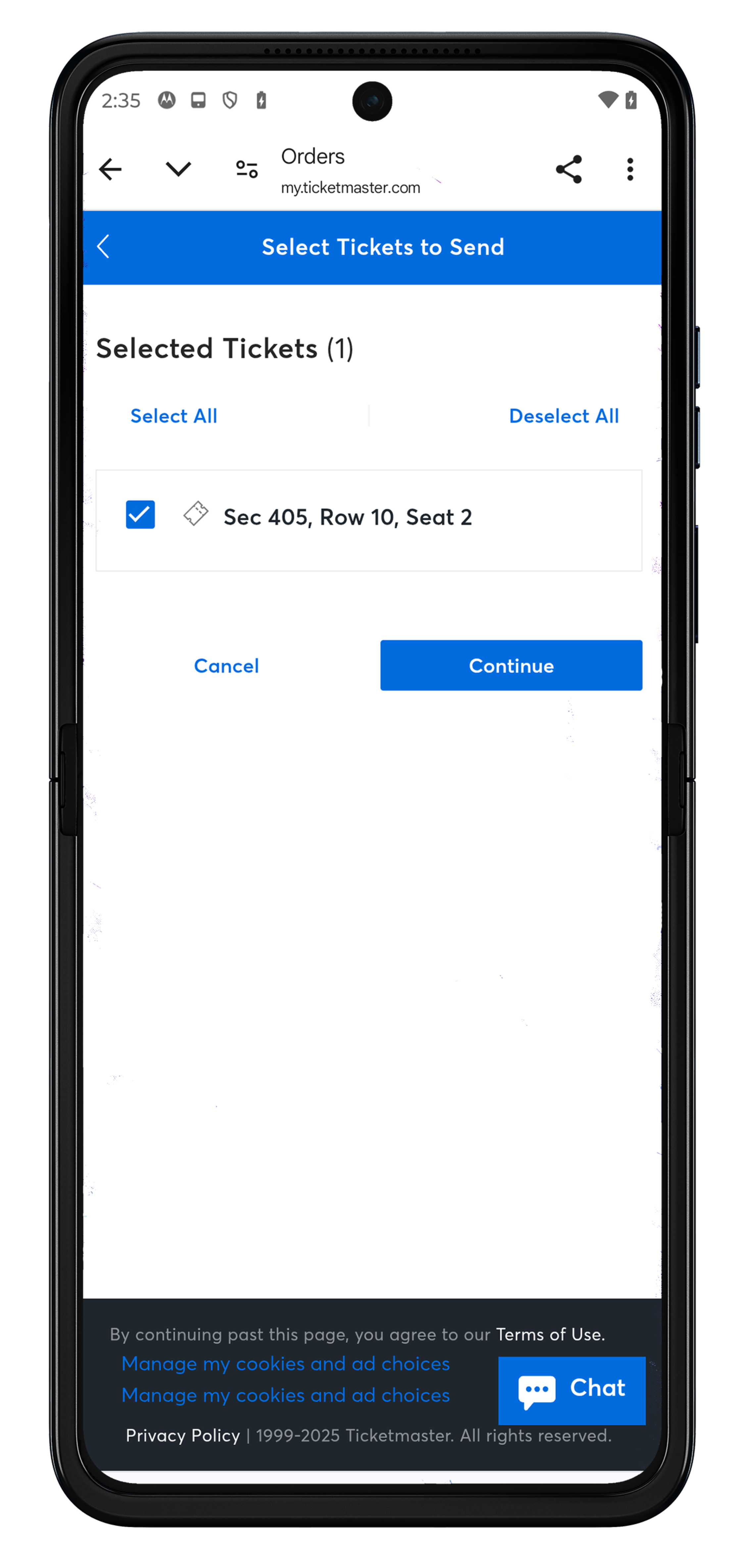
- Select "Transfer" on your mobile device to send to other members of your party attending the game.
- Please Note: To access your barcode to scan on gameday, you must add your tickets to your Apple or Google Wallet or download the MLB Ballpark app.